E Series Automated Dispensing System
131www.nordsonefd.com info@nordsonefd.com 800-556-3484 Sales and service of Nordson EFD dispensing systems are available worldwide.
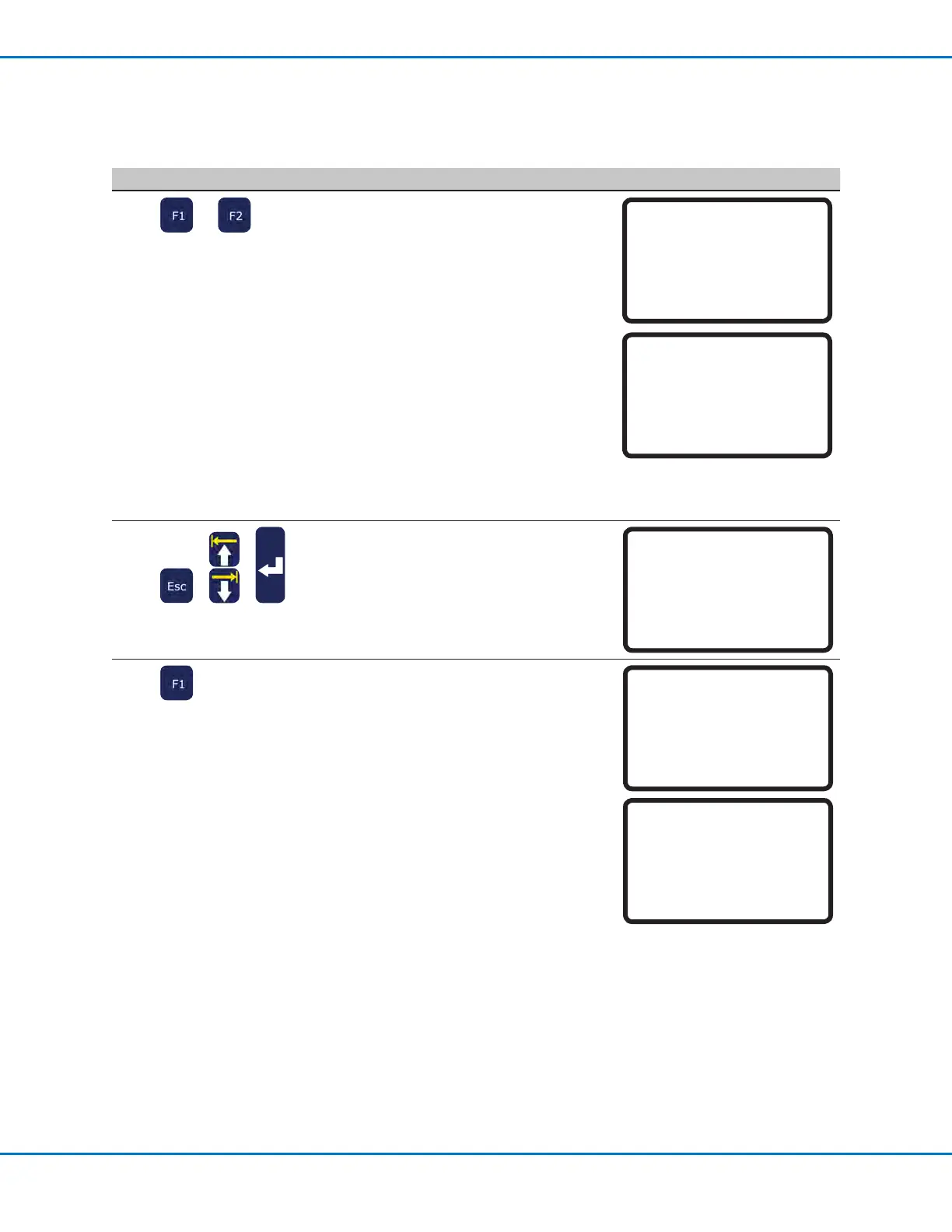
# Key Press Step Teach Pendant Display
8
or
The screen shows the current
Zheight of the workpiece. Do one
of the following:
• Press F1 to accept the current
Z-height value.
• Press F2 to detect the Z-height
value, then press F1 to accept
the value.
The system is now ready for
height sensor detection. Do one
of the following:
- Continue to the next step to
update the Z-height values in
the currently open program.
- Continue to the next procedure
in this section to use this
feature in a program.
Initial Height Detect
------------------------------
Current Z Height xxx.xx mm
[F1] OK [F2] Detect
Detecting height...
9
> >
• (Optional) Press ESC to return to
the Height Sensor menu.
• MOVE UP / DOWN to OFFSET
PROGRAM.
• Press ENTER.
[Height Sensor]
01 Setup
02 Sensor Position
03 Initial Height Detect
04*Offset Program
10
• Press F1 to check the Zheight of
the current XYZ location.
The system checks the current
Zheight by lowering and raising
the probe. If the detected
Z-height value is different
from the Z-height value in the
program, the system prompts
for conrmation to update the
Z-height values.
• Press F1 to accept the offset
value. The system automatically
updates all the Z-height values in
the program.
Offset Program
------------------------------
Detect and offset program?
[F1] Yes [F2} No
Offset Program
------------------------------
Offset Z Height xxx.xx mm
[F1] OK
Appendix D, Height Sensor Setup and Use (continued)
To Set Up the Height Sensor (continued)



 To Next Page