E Series Automated Dispensing System
90 www.nordsonefd.com info@nordsonefd.com 800-556-3484 Sales and service of Nordson EFD dispensing systems are available worldwide.
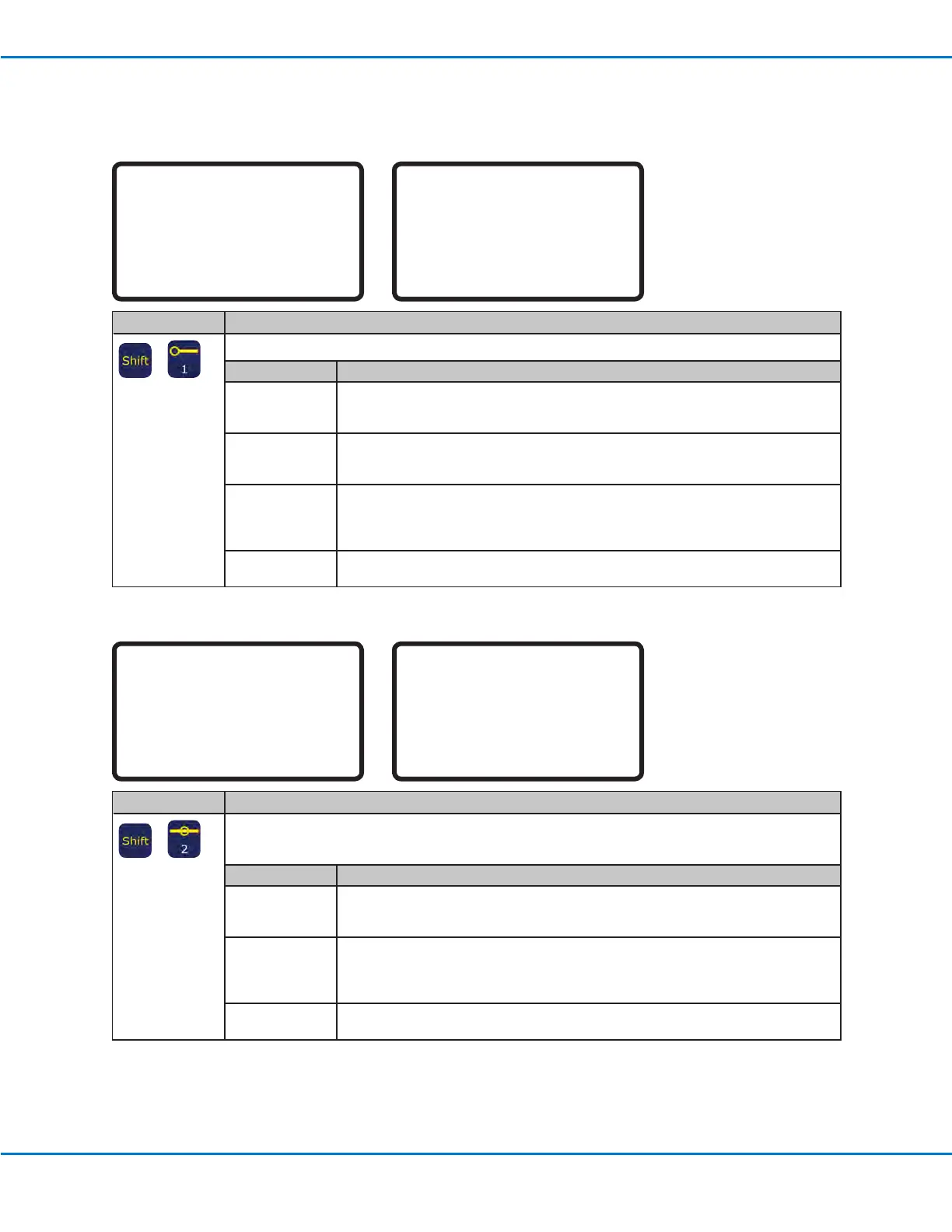
02 Line Start
Line Start 1/2
------------------------------
X: 130.93 mm
Y: 37.39 mm
Z: 45.54 mm
[F1] OK [F2] Next [F3] Current
Line Start 2/2
------------------------------
Line Speed: 10.0 mm/s
Pre-move Delay: 0.00 s
Settling Distance: 0.00 mm
Dispenser Off(0)/On(1): 1
[F1] OK [F2] Next
Key Press Function
>
Registers the current XYZ location as a Line Start point for line dispensing.
Parameter Description
Line Speed The speed at which the dispensing tip travels at the location in the program where this
command is inserted, thus overriding the default line speed setting.
Range: 0–500 (mm/s)
Pre-move Delay The time the dispenser stays open at the start of a line before moving. This delay time
prevents the tip from moving along the line until uid is owing.
Range: 0–100 (s)
Settling Distance The distance the robot moves from the beginning of a Line Start before the dispenser
turns on. This distance allows the robot sufcient time to build speed and is used
primarily to eliminate the deposit of too much uid at the beginning of a line.
Range: 0–100 (mm)
Dispenser Off (0)/
On(1)
Turns the dispenser OFF (0) or ON (1) at the current address.
03 Line Passing
Line Passing 1/2
------------------------------
X: 130.93 mm
Y: 37.39 mm
Z: 45.54 mm
[F1] OK [F2] Next [F3] Current
Line Passing 2/2
------------------------------
Line Speed: 10.0 mm/s
Node Time: 0.001 s
Dispenser Off(0)/On(1): 1
[F1] OK [F2] Next
Key Press Function
>
Registers the current XYZ location as a Line Passing point. This is a location on a line where the dispensing
tip changes direction, such as at the corner on a rectangle.
NOTE: Also use a Line Passing point before and after an Arc Point command.
Parameter Description
Line Speed The speed at which the dispensing tip travels at the location in the program where this
command is inserted, thus overriding the default system line speed setting.
Range: 0–500 (mm/s)
Node Time The delay time that occurs only for a Line Passing command. The dispensing tip passes
through the Line Passing point and waits at the Line Passing point, with the dispenser
activated, for the specied time period.
Range: 0–100 (s)
Dispenser Off(0)/
On(1)
Turns the dispenser OFF (0) or ON (1) at the current address.
Appendix A, Type Menu Reference (continued)



 To Next Page