100 Chapter 7 Using Workbooks and off-line programming
N0004999 01
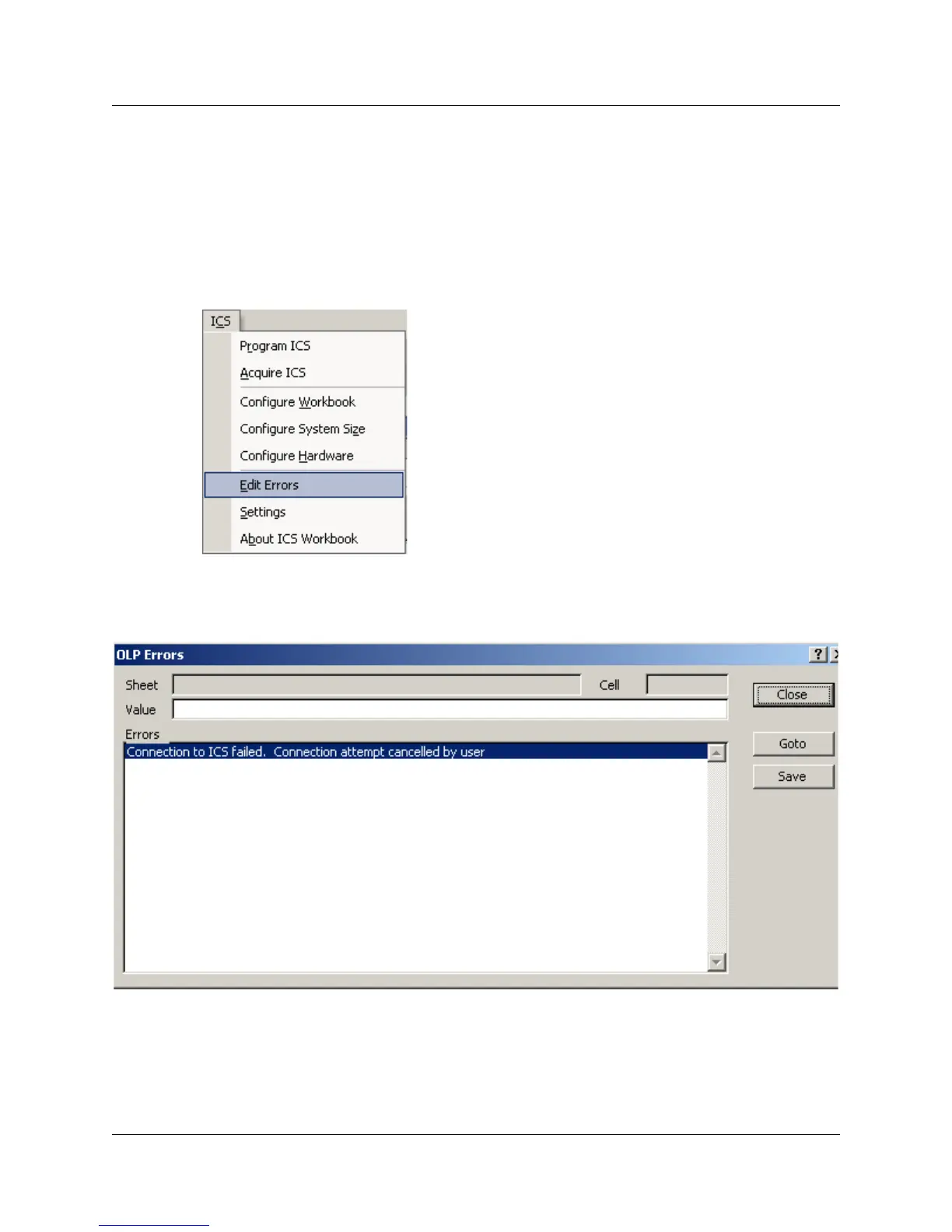
Using the OLP Error dialog
If you notice there are errors during the programming or acquisition process, you can view these
errors on the OLP Errors dialog box. You can also correct the error from this dialog box.
1 If the workbook is not already open, open the workbook where the errors occurred.
2 Under the ICS menu, select Edit Errors.
The OLP Errors dialog box appears. Table 7 describes the fields found on this dialog box.
Figure 51 OLP Errors dialog box



 To Next Page