110 Chapter 8 Backing up and restoring Norstar data
N0004999 01
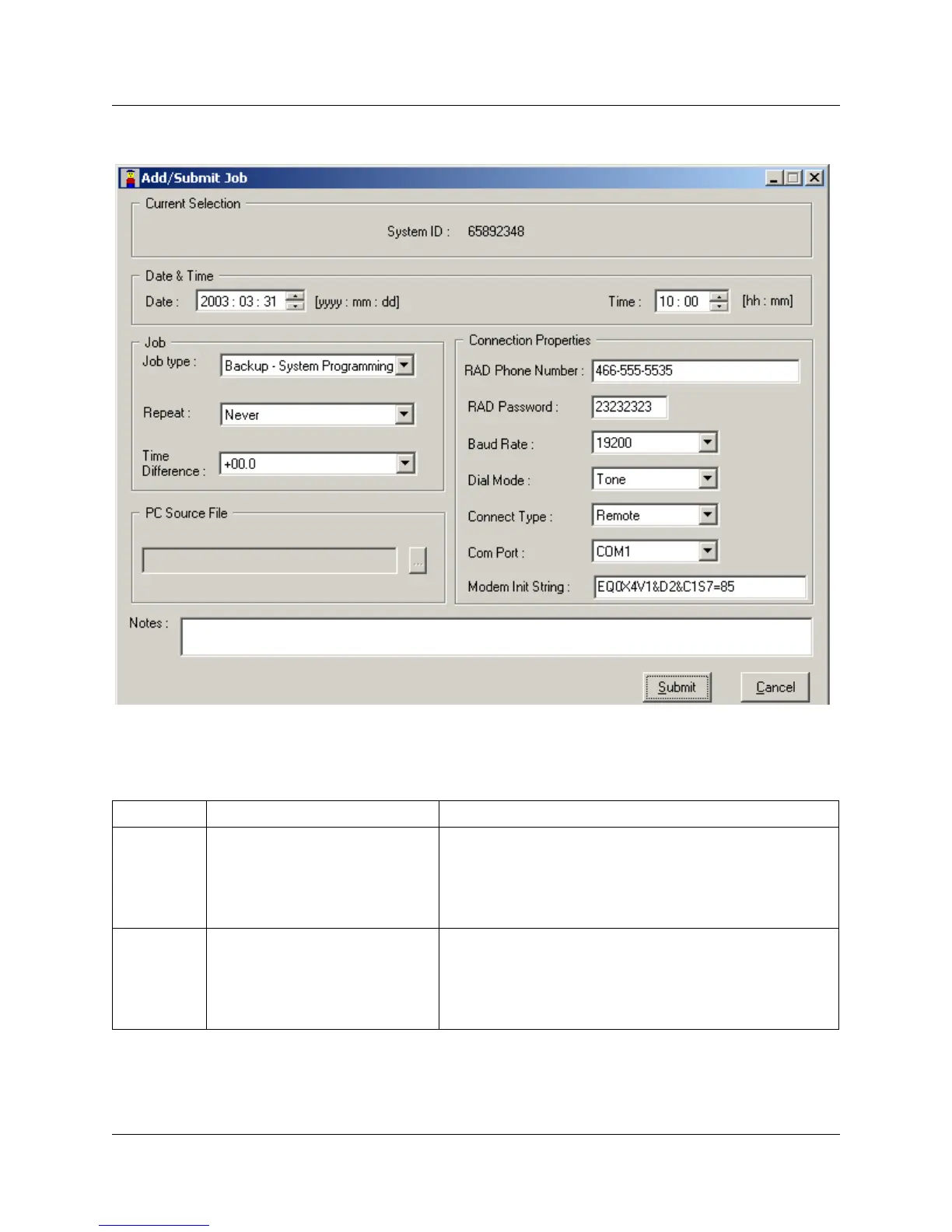
Figure 55 Add/Submit Job screen
4 Change the fields, as required to set up the job schedule. Refer to Table 10 for values and
descriptions for each field.
Table 10 Add/Submit job fields
Field name Values Description
Date
<date> The date on which you want the backup or restore to
occur.
Format: YYYY : MM : DD
The default date is the current date on the computer form
which you are running ICSRT.
Time
<time> The time when you want the backup or restore to start.
Format: HH : MM.
The default value is the current time on the computer
from which you are running ICSRT. Also refer to Time
Difference field.



 To Next Page