Chapter 5 Understanding the Remote Set tool 57
ICS Remote Tools User Guide
Accessing the Remote Set tool
To access the Remote Set tool:
1 Open ICSRT.
2 If you are not in the correct database, find the database where the correct customer is located.
Refer to
“Moving between databases” on page 38 for details.
3 Select the customer you want to connect to.
4 Click on Run Tool, and select Remote Set.
The connect screen appears, with the connect information for that system.
5 Click on Connect.
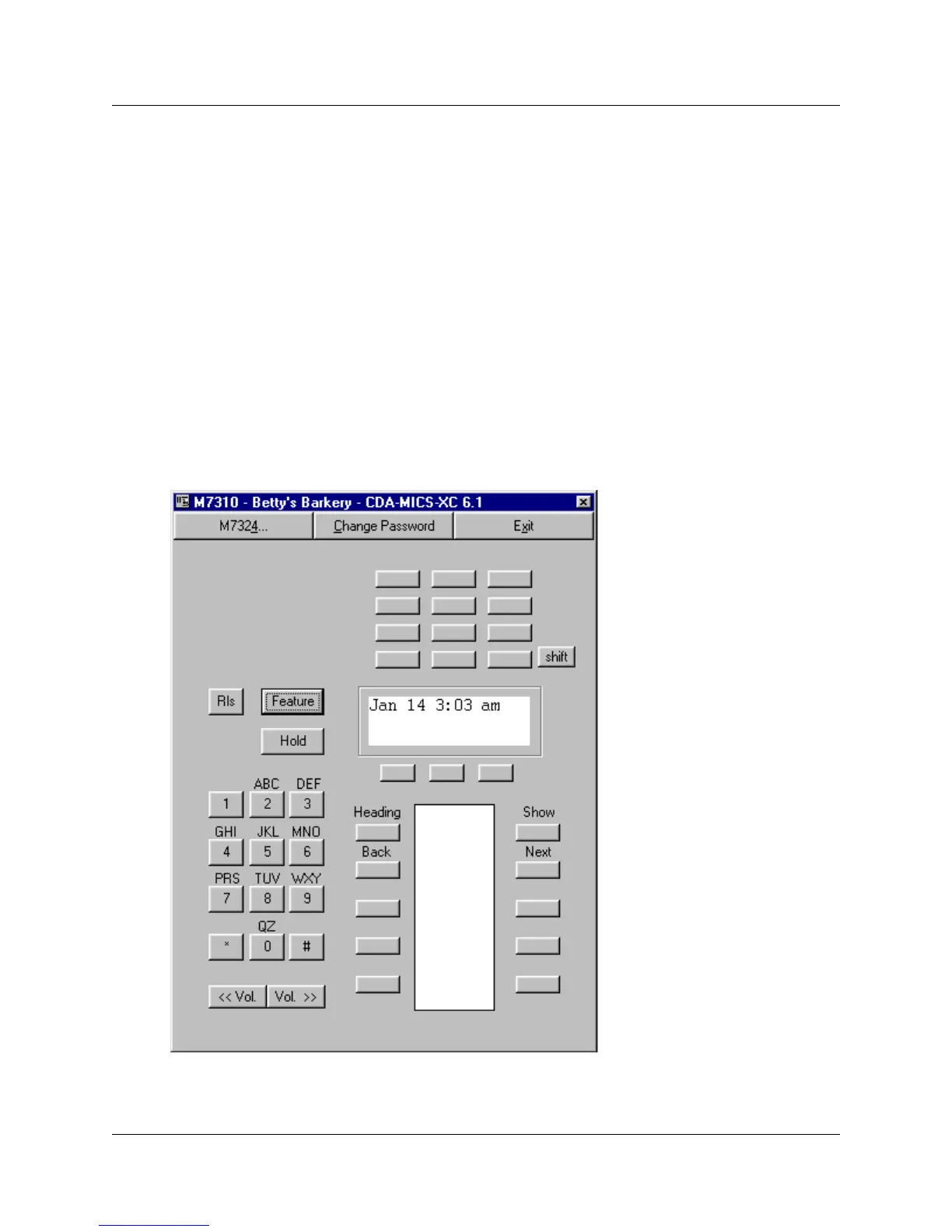
After your computer connects to the Norstar System, one of the following screens appear:
Figure 26 M7310 Remote set screen display



 To Next Page