104 Chapter 7 Using Workbooks and off-line programming
N0004999 01
Understanding the About ICS Workbook dialog
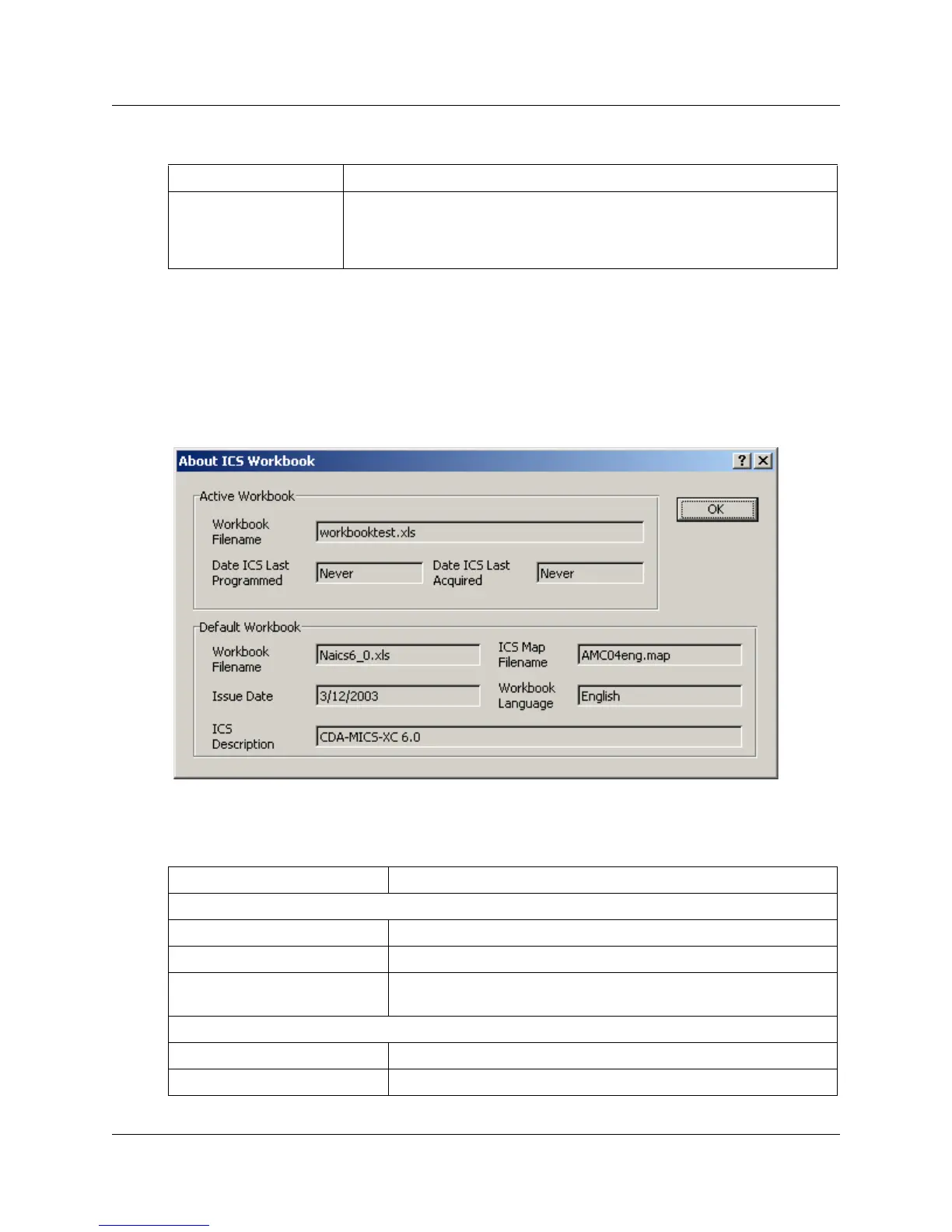
The About ICS Workbook heading under ICS opens the About ICS Workbook dialog box. This
box displays information about the ICS Workbook in which you are currently working.
Figure 53 About ICS Workbook dialog
The following table describes each of the settings on the OLP Settings dialog box:
Display OLP errors
dialog
Once errors are detected, you can correct them using the Errors
dialog box. If the Display OLP errors dialog option is selected, the
dialog box is displayed automatically after completing an operation
(program or acquire).
Table 9 OLP Settings dialog box fields
Field Description
Active Workbook
Workbook Filename The current name of the workbook.
Date ICS Last Programmed The date that you last used this workbook to program an ICS.
Date ICS Last Acquired The date that you last used this workbook to acquire data from
an ICS.
Default Workbook
Workbook Filename The name of the default workbook used to create this workbook.
Issue Date This is the date that the default workbook was issued by Nortel.
Table 8 OLP Settings dialog box fields (Continued)
Field Description



 To Next Page