116 Chapter 8 Backing up and restoring Norstar data
N0004999 01
Backing up data with the Backup Restore tool
If you want to do an immediate restore or backup of the system programming, you can use the
Backup Restore tool found under the Run Tool heading.
1 Open ICSRT.
2 If you are not in the correct database, find the database where the correct customer is located.
3 Select the customer you want to connect to.
4 Click on Run Tool, and select Backup Restore.
The connect screen appears, with the connect information for that system.
5 Click on Connect.
After your computer connects to the Norstar System, the screen shown in Figure 59 appears.
6 Click on the Get System ID / Business Name button to ensure that you are backing up the
correct system.
7 Click on the System programming check box to make it active. Note that the Backup Now
button becomes active.
8 Click on Browse and navigate to the manual backup folder you created in the customer
database/backup folder.
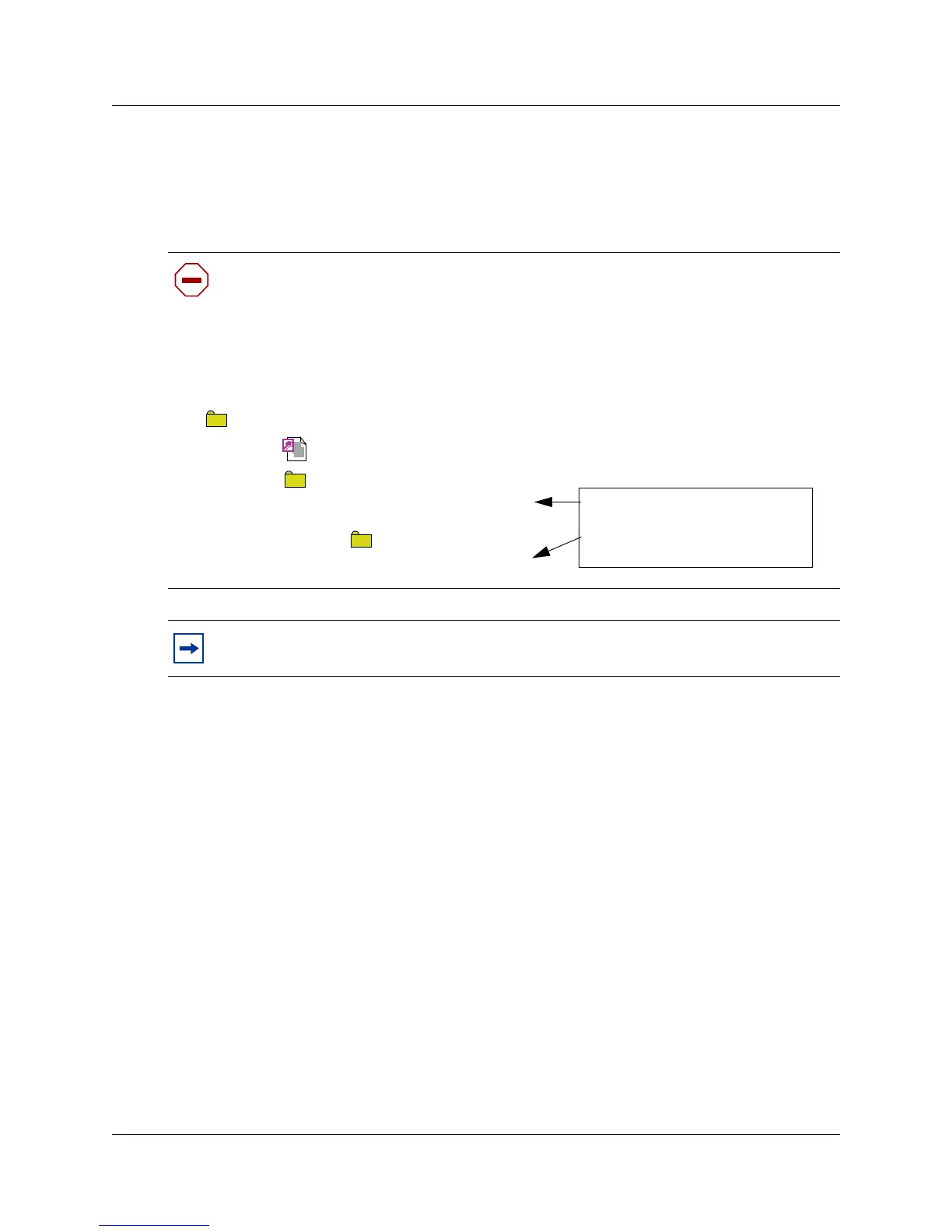
Caution: We recommend that you create a separate folder under your CustomerInfo
database/backup folder for manual backups. Refer to
Figure 58. When you perform a
manual backup, you can then navigate to this folder instead of storing the file in the
default folder, where it might accidentally get overwritten.
This also allows you to have both types of backup files stored close to each other.
Figure 58 Maintaining manual backup files in the customer database
Tips: If the computer you are using is in the same building as the Norstar system, we
strongly recommend that you copy backup files to CD and store it offsite.
<database folder name>
CustomerInfo.mdb
backup
<systemIDcustomer1>.new
<systemIDcustomer1>.old
<Customer1manualbackup>
FNVRAM.new
File created by scheduled backup
File created by Backup Restore tool
saved to folder you created.



 To Next Page