98 Chapter 7 Using Workbooks and off-line programming
N0004999 01
9 If you chose Partial Acquisition from the Regions box, select any specific regions of
programming information you want to overwrite by holding down the control key and clicking
on the selections. If you want to select all of any category, such as all B1s (Set DNs), click on
the button above the column. Notice that the Select All label above the button changes to
Deselect all
.
10 Click OK.
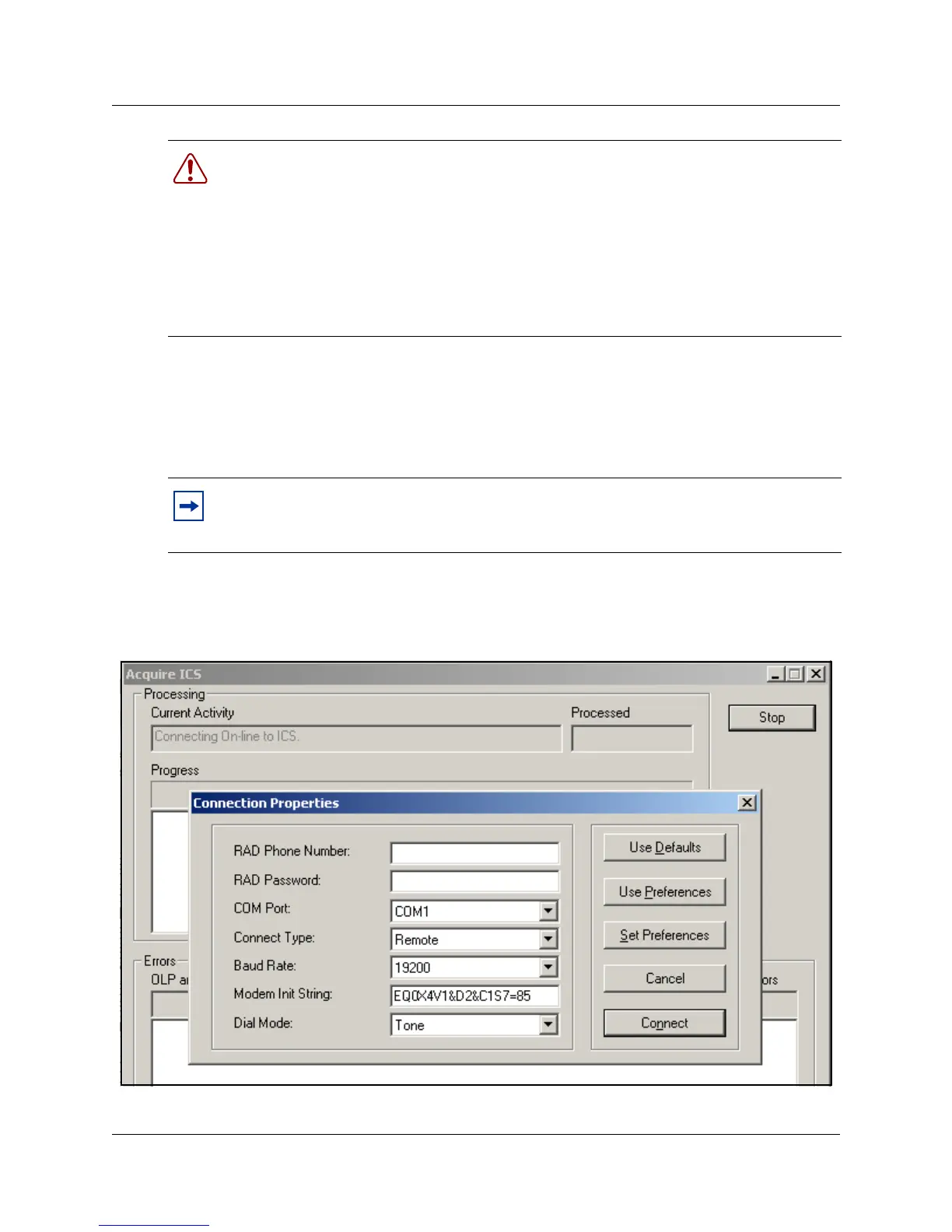
The Acquire ICS screen appears, then the Connection Properties screen appears on top.
Figure 50 Acquire ICS and Connection Properties screens
Warning: Do not use the cut or paste functions in any applications on your PC when you
are acquiring programming from a Norstar system.
Warning: Acquiring programming information from a Norstar system overwrites some
or all of the information in the workbook. To avoid losing data, acquire information into a
new, clean copy of the workbook file. To keep the existing information, save the existing
file under a different name, or do not save the changes after the acquiring programming.
Any information added in the workbook such as notes, titles, headers and comments is not
overwritten by acquiring programming.
Note: You can deselect selected items in Regions boxes by holding the control key and
clicking the left mouse button. Be sure to have the cursor on the item you want to
de-select.



 To Next Page