Chapter 8 Backing up and restoring Norstar data 115
ICS Remote Tools User Guide
Viewing a submitted job
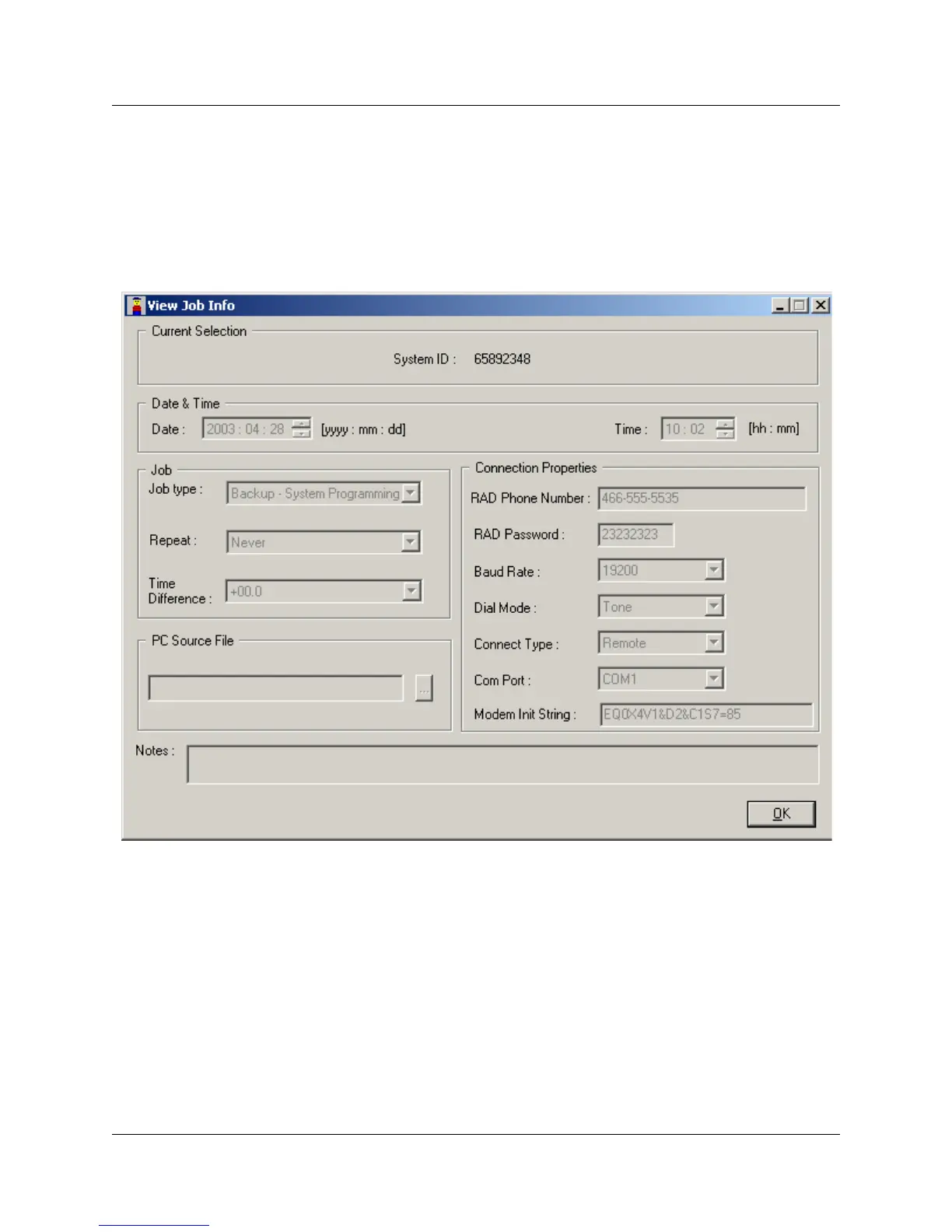
When you double click on any job in Jobs in Queue dialog, the View Job Info screen appears. All
the fields in View Job Info dialog will be filled with values read from JobQueue database. All the
dialog elements in View Job Info dialog are grayed out and cannot be changed.
Figure 57 View Job Info screen



 To Next Page