Chapter 3 Setting up customers in ICSRT 49
ICS Remote Tools User Guide
Deleting customer records
You may occasionally need to delete records from a database.When you do this, all access to
customer information is deleted, so ensure that this is really what you want.
To delete customer records:
1 On the Customer Info screen, select the record you want to delete.
2 On the menu click on Customer Details, then select Delete.
3 When the confirmation dialog appears, click on OK to delete the record.
Quitting the Customer Info screen
Follow these steps to log out of ICSRT.
1 Ensure that the Customer Info screen is displayed on your monitor.
2 Click the Quit button.
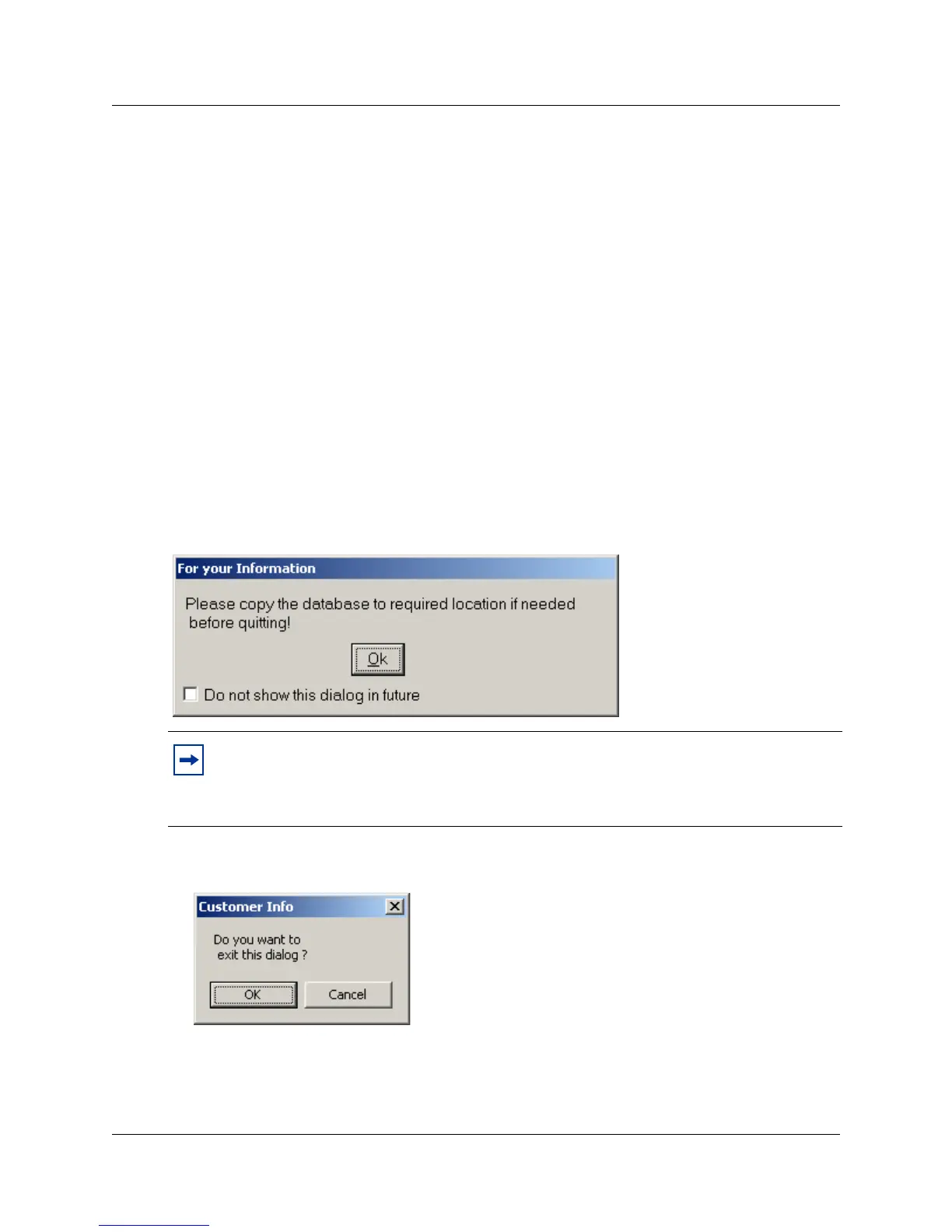
The following dialog displays:
3 Click OK. You will be prompted to confirm that you want to exit before closing the Customer
Info dialog.
• If you need to copy the database before quitting, click the Cancel button, and perform the
copy.
• If you do not need to copy the database before quitting, click OK.
Note: The For your Information dialog displays only if you have not checked Do not
show this dialog in future in earlier operation(s). It will provide a prompt suggesting that
you copy the database to the required location before exiting so that you will have a
backup of the database.



 To Next Page