Chapter 7 Using Workbooks and off-line programming 97
ICS Remote Tools User Guide
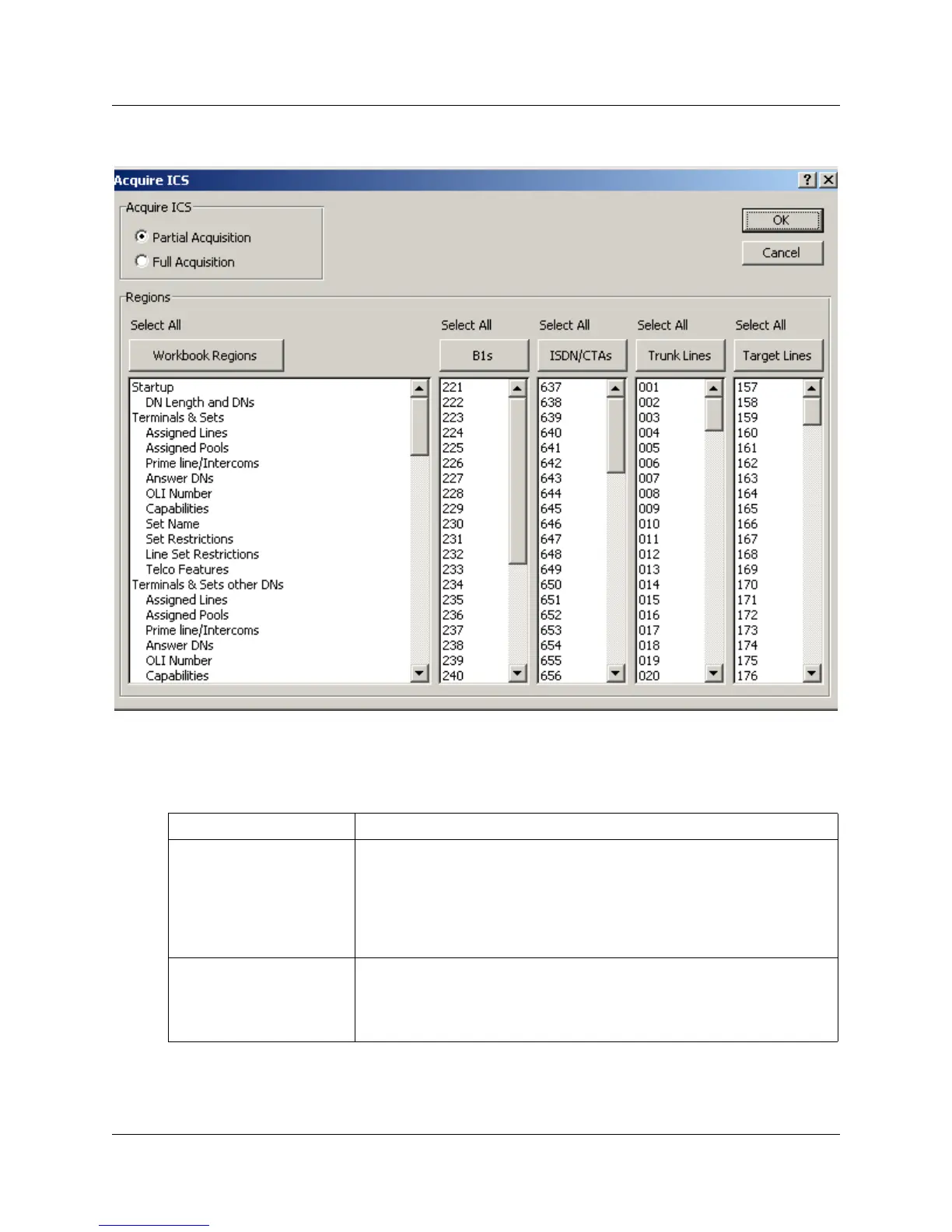
Figure 49 Acquire ICS screen
8 Choose the Acquire ICS options that suit the way you want to program the system.
Refer to the table below for detailed descriptions.
Table 6 Acquisition variables
Option Description
Partial Acquisition Choose this option if you only want to acquire only specific parts of
the system. For instance if you want to change some Terminals &
Sets programming, but you want to first see what is already
programmed, you might choose to acquire just this part of the
programming.
Choose the settings you want to acquire in Regions fields.
Full Acquisition Choose this option you want to acquire all the programming from a
system. Note that all the fields in the Regions area are automatically
selected.
WARNING: This is not a recommended option.



 To Next Page