36 Chapter 3 Setting up customers in ICSRT
N0004999 01
If you do not create a new database and then point the Customer Info screen to that database, any
Customer records you create will be added to the default database.
Creating a database
This procedure creates an empty database at a location of your choice on your computer.
1 Open ICSRT. (Start, Nortel Networks, Norstar ICS Remote Tools XX.X,
Norstar ICS Customer Info)
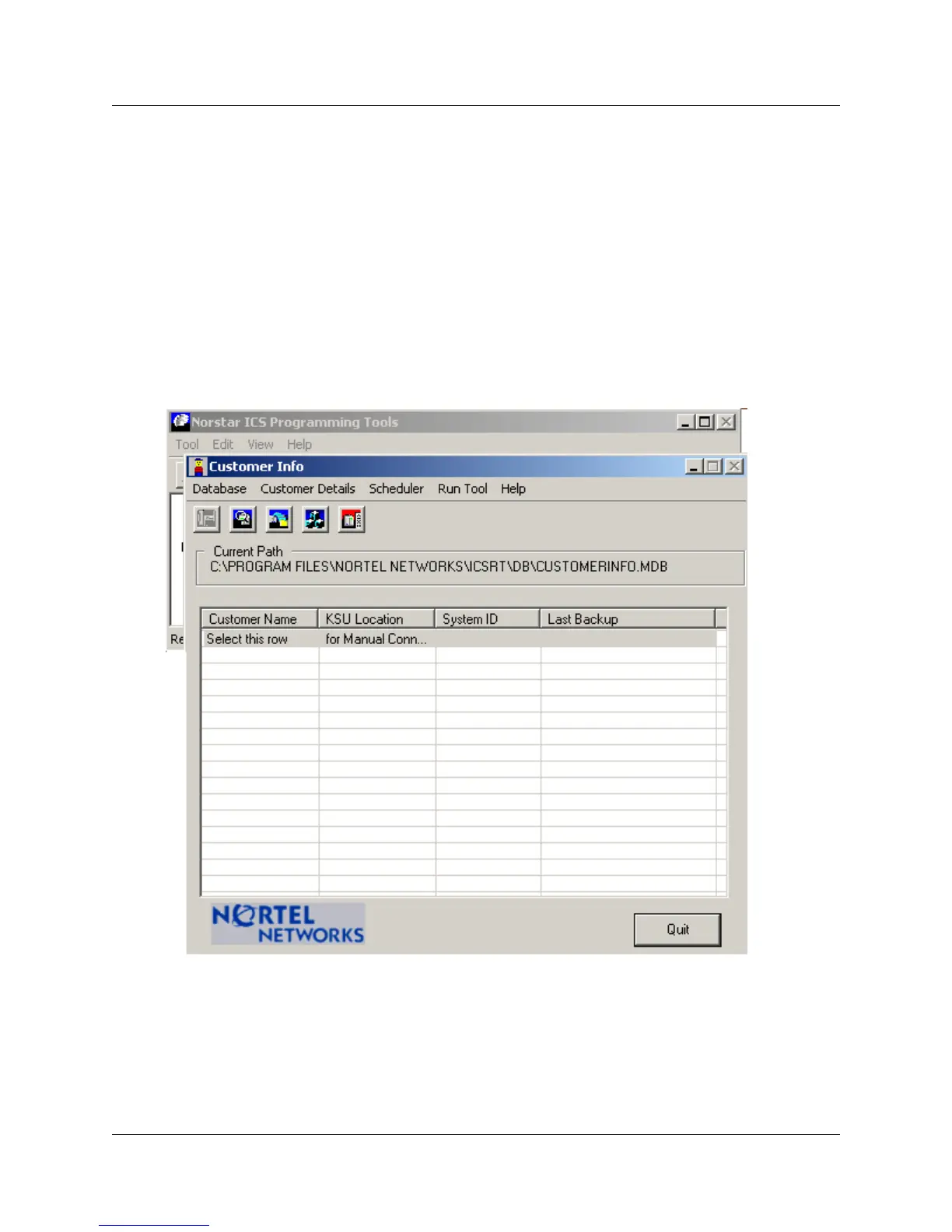
The Customer Info screen displays.
Figure 14 Customer Info screen



 To Next Page