Chapter 2 Setting up ICS Remote Tools 31
ICS Remote Tools User Guide
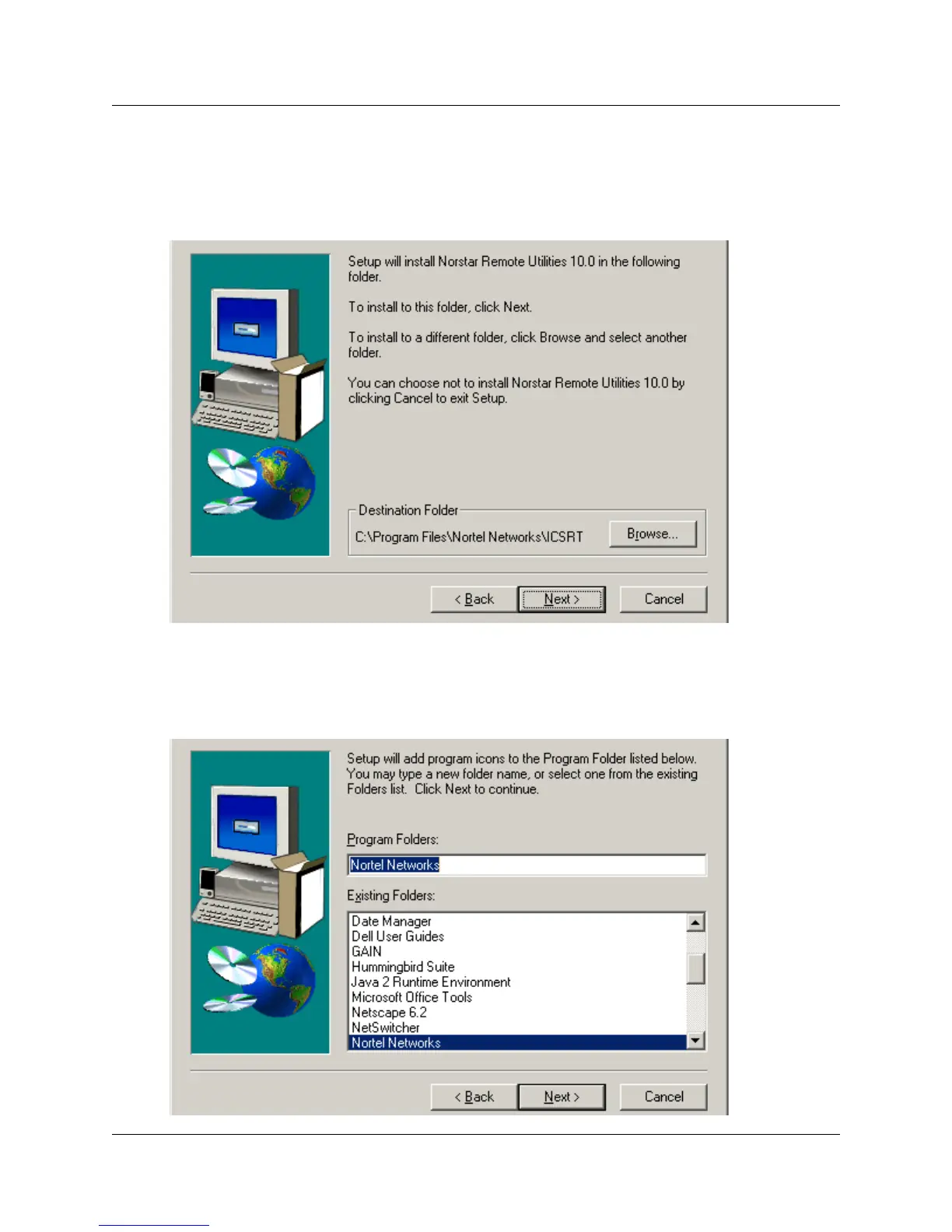
The next screen (Figure 9) prompts you to choose a destination folder.
Unless you use the Browse button to navigate to a new location, the application installs in
C:\Program Files\Nortel Networks\ICSRT on your computer.
Figure 9 Choose Destination Location screen
10 Click Next.
The next screen (Figure 10) prompts you to choose a folder or to accept the default folder,
Nortel Networks.
Figure 10 Select Program Folder



 To Next Page