Chapter 3 Setting up customers in ICSRT 47
ICS Remote Tools User Guide
Copying customer records to create new records
You can copy a customer record to save yourself from entering repeated data. Only the
information that is unique to a system, such as the System ID is not copied.
1 On the Customer Info screen, select the record you want to copy.
2 On the menu click on Customer Details, then select Copy.
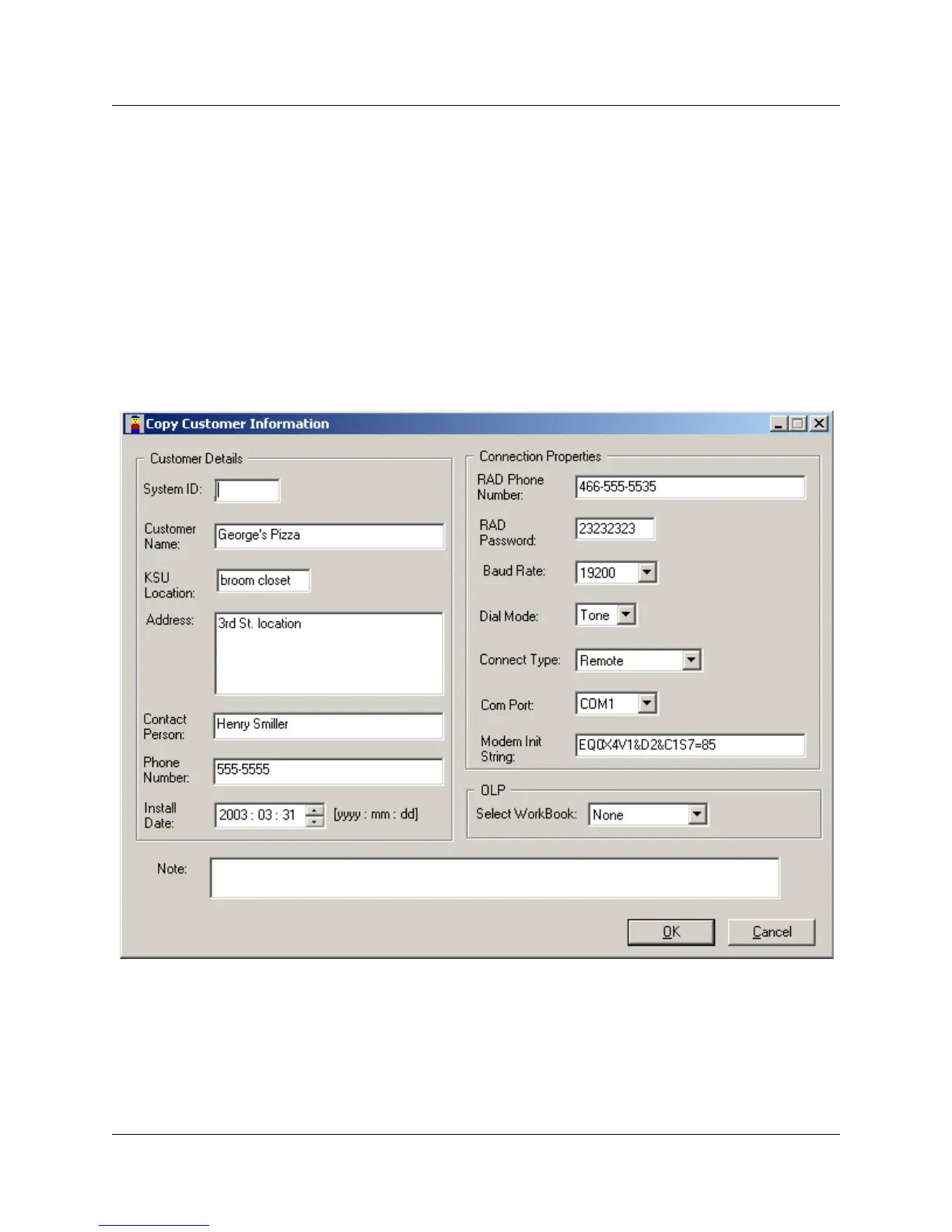
The Copy Customer Information screen appears (Figure 21).
3 Enter the unique data for the new customer record.
4 Press OK to save the new record and return to the Customer Info screen.
Figure 21 Copy customer information



 To Next Page