68 Chapter 6 Understanding the Browser tool
N0004999 01
The following table describes the navigation tree icons.
You cannot partially collapse a list. To change a fully expanded list to a partially expanded one,
collapse the heading or subheading and expand the items you wish to see. You can also partially
expand a heading or subheading by adding a setting to a list.
Using command buttons in the right pane
Operations such as copying telephone and line records, or performing a reevaluation, are
performed using the command buttons that show up in the right pane with the additional settings.
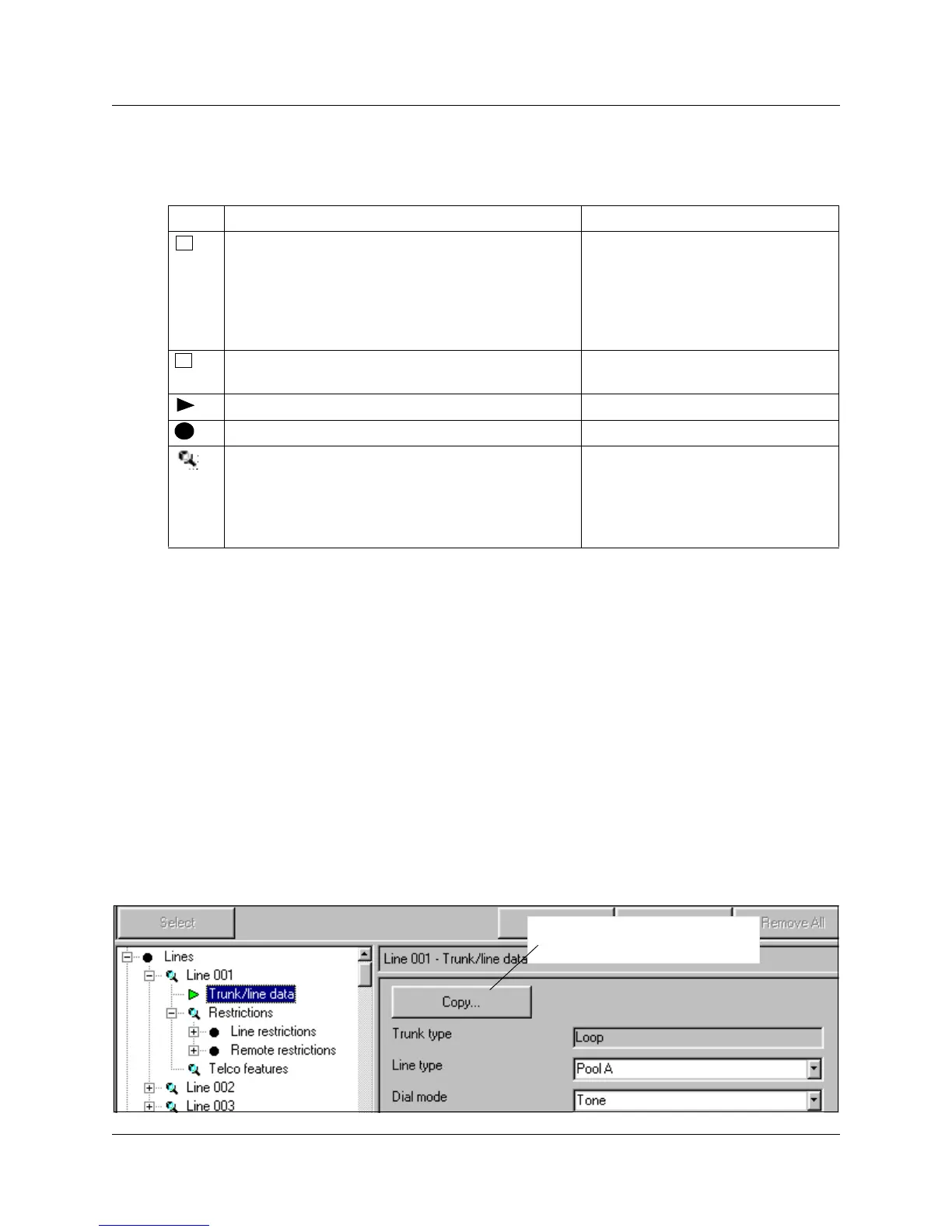
If the button label is followed by ellipses (…), as in the Copy button shown in Figure 33, a dialog
box will appear when you click it.
If the button has no following ellipses (…), the operation is immediately performed at the Norstar
system.
Figure 33 Copy button with dialog box cue
Table 4 Navigation tree icons
Icon What it does Alternate access
Click to expand a heading to reveal subheadings.
Note: If the Norstar system you are working with
does not have anything currently programmed
under this heading, the icon disappears when you
click the heading. (For example, if you have no
personal speed dial codes programmed).
Select heading and press
right-pointing arrow on the keyboard
Collapse menu under heading. Select heading and press
left-pointing arrow on the keyboard
Heading is expanded.
No right-pane subheadings.
If you click on the heading, additional fields appear
in the right pane.
Note: If the Norstar system you are working with
does not have any additional headings, the icon
disappears when you click the heading.
Double click heading
or press <Enter> on the keyboard.
+
-
Copy command button is used to
copy line programming.



 To Next Page