32 Chapter 2 Setting up ICS Remote Tools
N0004999 01
11 Click Next.
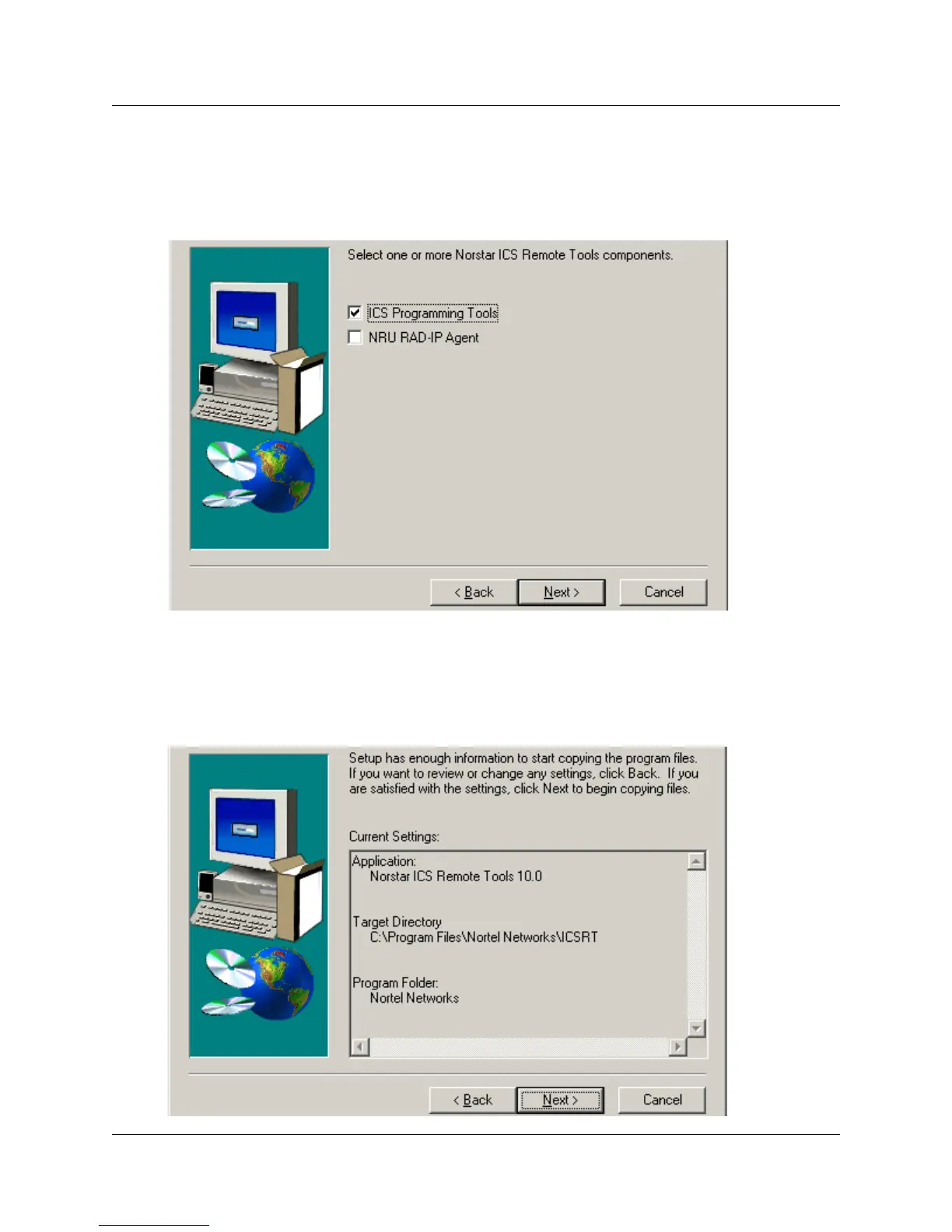
The next screen (Figure 11) prompts you to choose which Install components you want to
install. ICS Programming Tools is the only one checked by default.
Figure 11 Select Install Components screen
12 Click Next.
The next screen (Figure 12) shows you information about the application and where the files
will be placed on your computer. Use the Back button to move back through the wizard if you
need to change anything.
Figure 12 Confirm settings before copying



 To Next Page