40 Chapter 3 Setting up customers in ICSRT
N0004999 01
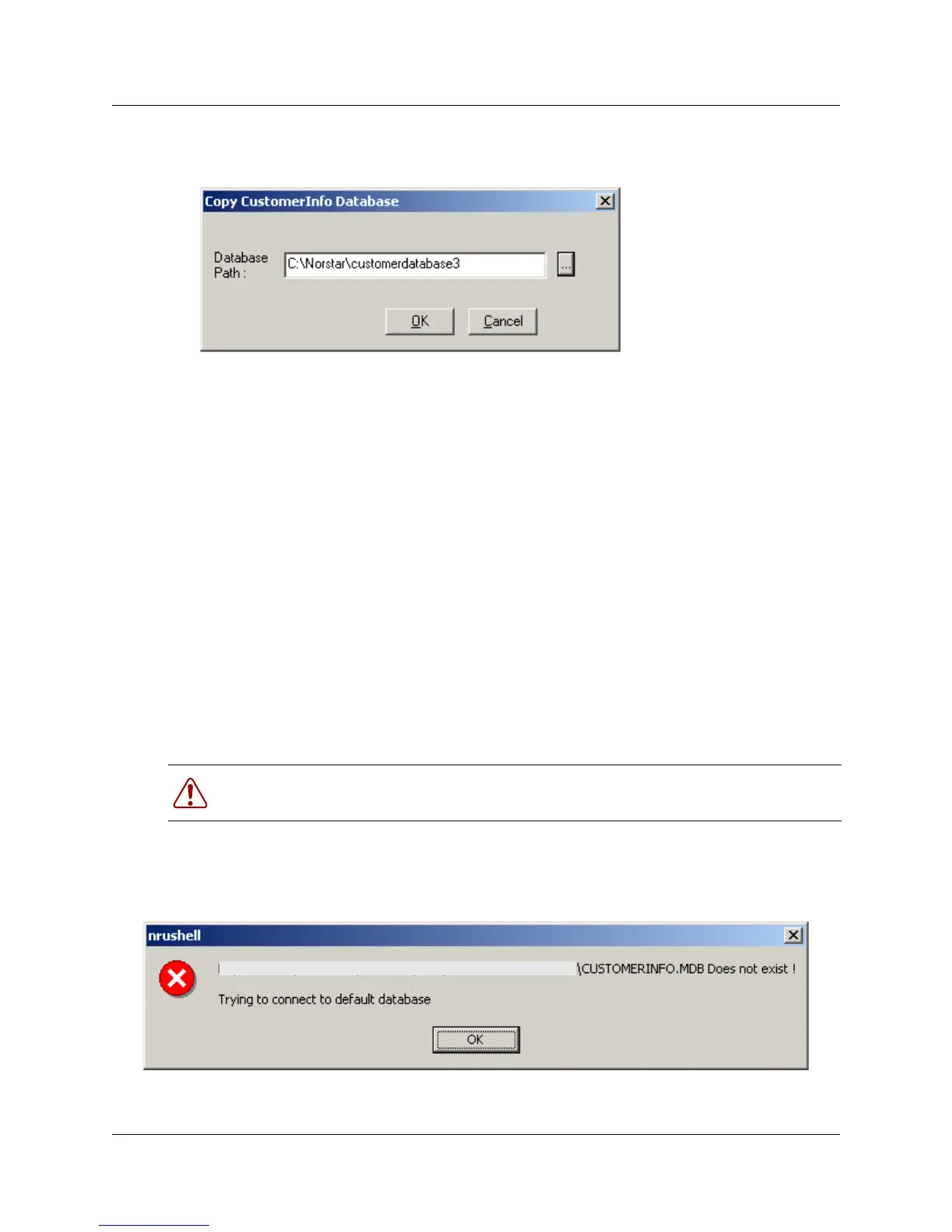
When you click OK on the Browse for Folder dialog, the path fills into the Copy
CustomerInfo Database dialogue.
4 If the location you chose does not have a folder where you want to put the database, at the end
of the entry in the Database Path field, type in
\<
folder name
>.
5 Click OK.
If you entered a new folder name, you will be prompted to confirm that you want the system to
create a new folder at the indicated location.
6 Click OK.
A popup dialog indicates that the database was successfully was created.
7 Click OK.
The Customer Info screen Current Path field shows the current active database location. The
database you copied from becomes the backup database.
Deleting a database
To delete a database, ensure that ICSRT or any Scheduler jobs are not running, then select the
database folder and delete it from your computer.
If you delete the database for the customer that was last active on the ICSRT screen, when you go
back into ICSRT you will receive a message indicating that the CustomerInfo.mdb that was last
used does not exist and the system will connect to the default database.
Warning: This will delete all the customer records and any information attached to those
records.
<system path displays here>



 To Next Page