Chapter 3 Setting up customers in ICSRT 39
ICS Remote Tools User Guide
Copying a database
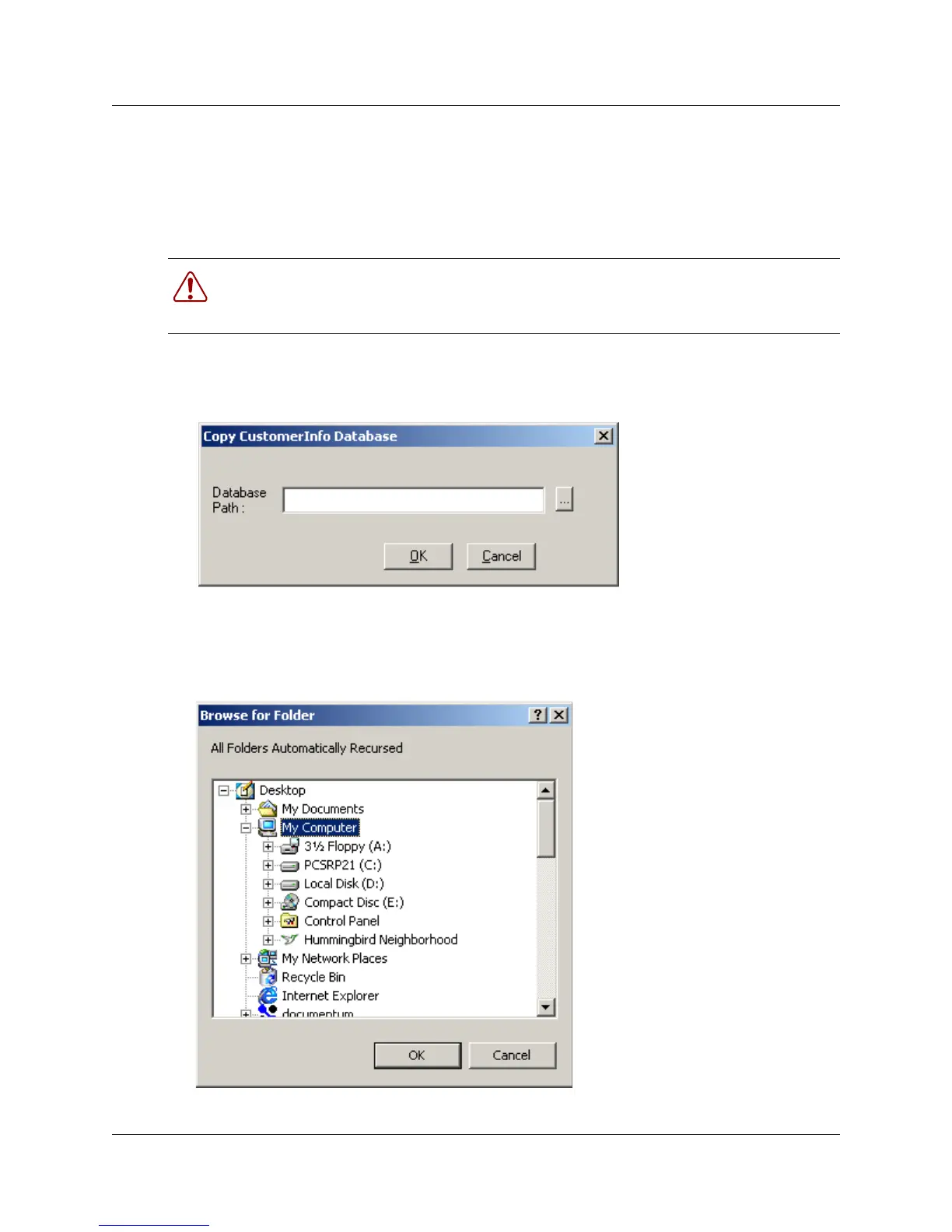
If you want to copy your customer database to another location, follow the steps given below. You
might use this to create a backup database or to create a local database copy of customer
information sitting in a database on a central server.
1 Have the Customer Info screen open to the database you want to copy.
2 On the Customer Info screen, click on Database and select Copy.
3 Enter the path into the Database Path field,
or
click on the button beside the Database Path field. (...) to get the Browse for Folder dialog,
then navigate to where you want to install the copied database
,
Warning: If a database is deleted, all the customer records and all the information
attached to those customer records is permanently removed.
It is advisable to maintain frequent backups of your databases in a secure folder.



 To Next Page