86 Chapter 7 Using Workbooks and off-line programming
N0004999 01
Configuring the Workbook parameters
When you first create a workbook file you need to determine what type of system you will be
programming so the workbook can display the correct information.
1 Open the workbook you want to program.
• If you already assigned a workbook to a customer, refer to “Accessing an assigned
workbook” on page 85.
• If you have not yet configured a client record,
a With the Customer Info screen open, but no customer selected, click on Run Tool, and
select Select Workbook.
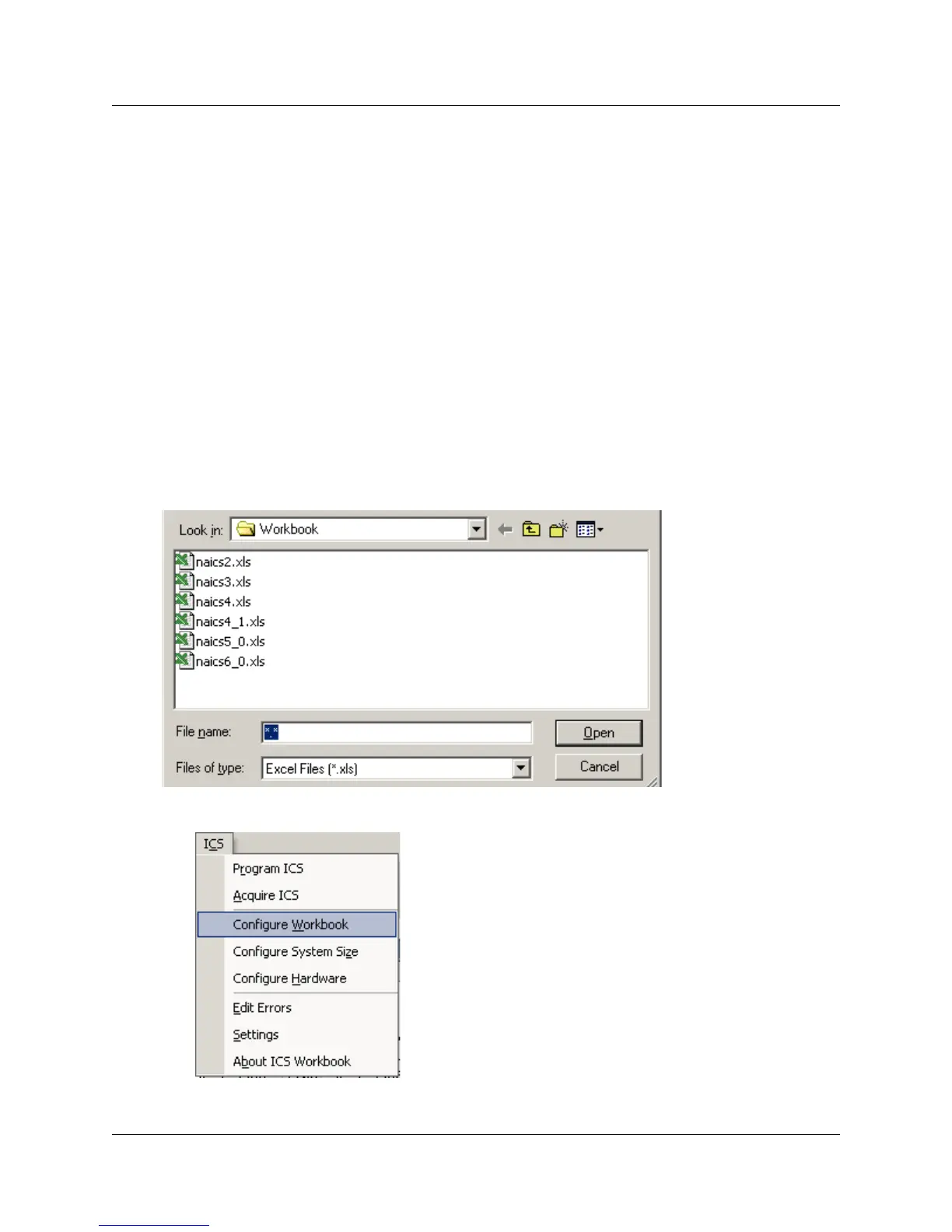
b On the Windows Open screen, select the file that matches the version of Norstar
system that you will be programming.
c Click Open. The Excel spreadsheet opens.
Figure 40 Default Workbook listings
2 Under the ICS menu within the workbook, select Configure Workbook.
A screen similar to the one shown in Figure 41 appears.



 To Next Page