121
ICS Remote Tools User Guide
Chapter 9
Troubleshooting the ICS Remote Tool
This chapter describes the following troubleshooting tools:
• “Setting up a RAD alarm center” on page 121
• “Error messages” on page 123
• “The Debug tool” on page 125
Setting up a RAD alarm center
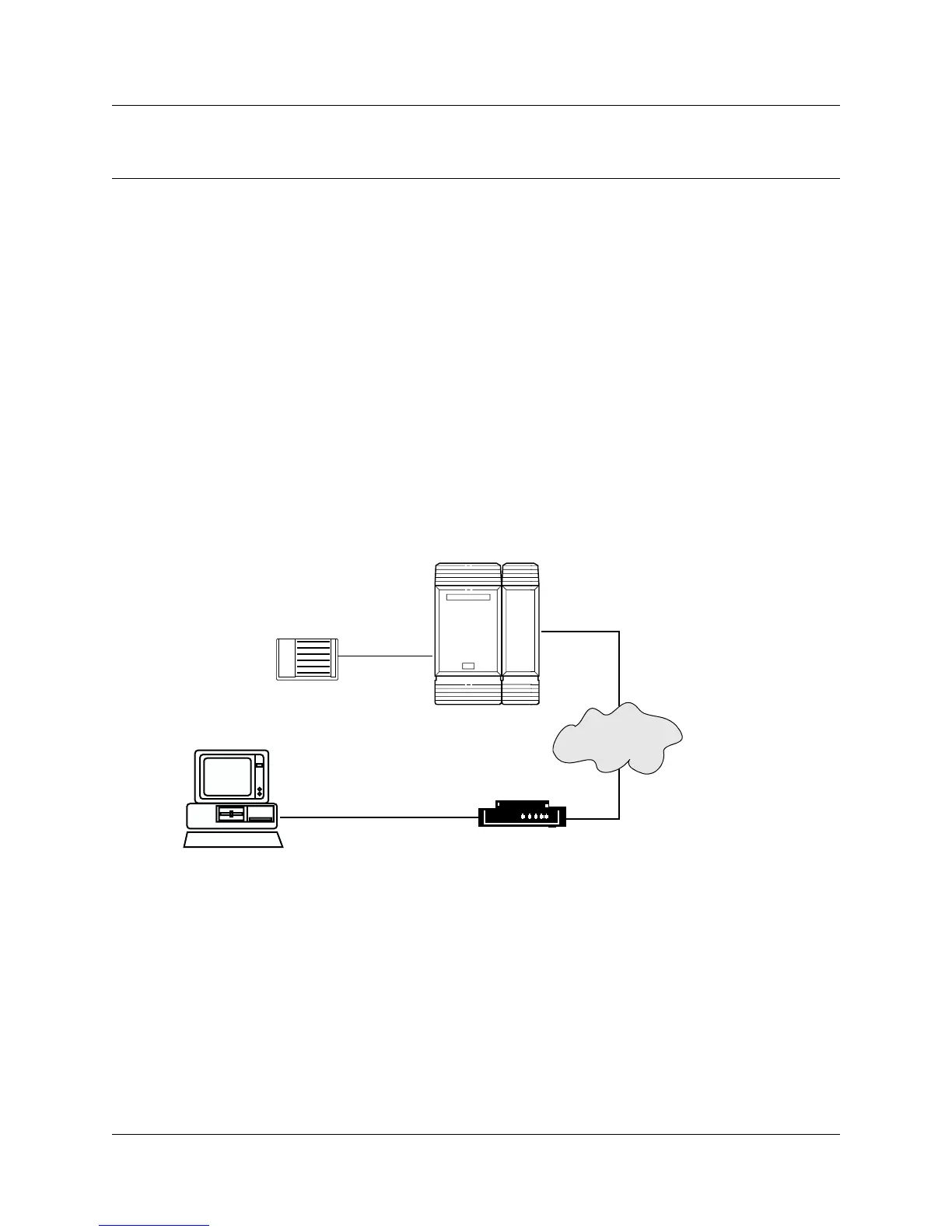
The RAD can be programmed to report alarms to a dedicated alarm device. An alarm device can
be a printer, a terminal or a computer that is set up to log incoming reports. Usually, the alarm
device is located in a central location, perhaps near your computer, and collects alarm reports from
several systems. Refer to
Figure 62.
Figure 62 Overview of how a RAD alarm center is set up
RAD
Norstar system
Remote computer
Modem
RS-232 cable
Dial-up
connection



 To Next Page