Chapter 2 Setting up ICS Remote Tools 29
ICS Remote Tools User Guide
Installing the ICSRT
ICSRT installs easily off of the ICSRT CD. The application uses an Install Shield Wizard to move
the files to your computer and install them in the C:\Program Files\Nortel Networks folder, or in
a folder that you specify during the install process.
1 Put the CD with the ICSRT software into your CD drive.
2 On your computer, navigate to your CD drive and double click the Startup.exe icon.
3 Follow the prompts in the wizard to install the application.
4 When you are prompted to choose a language, use the drop down list to choose the language
you want the application to use.
Click OK when you have made your selection.
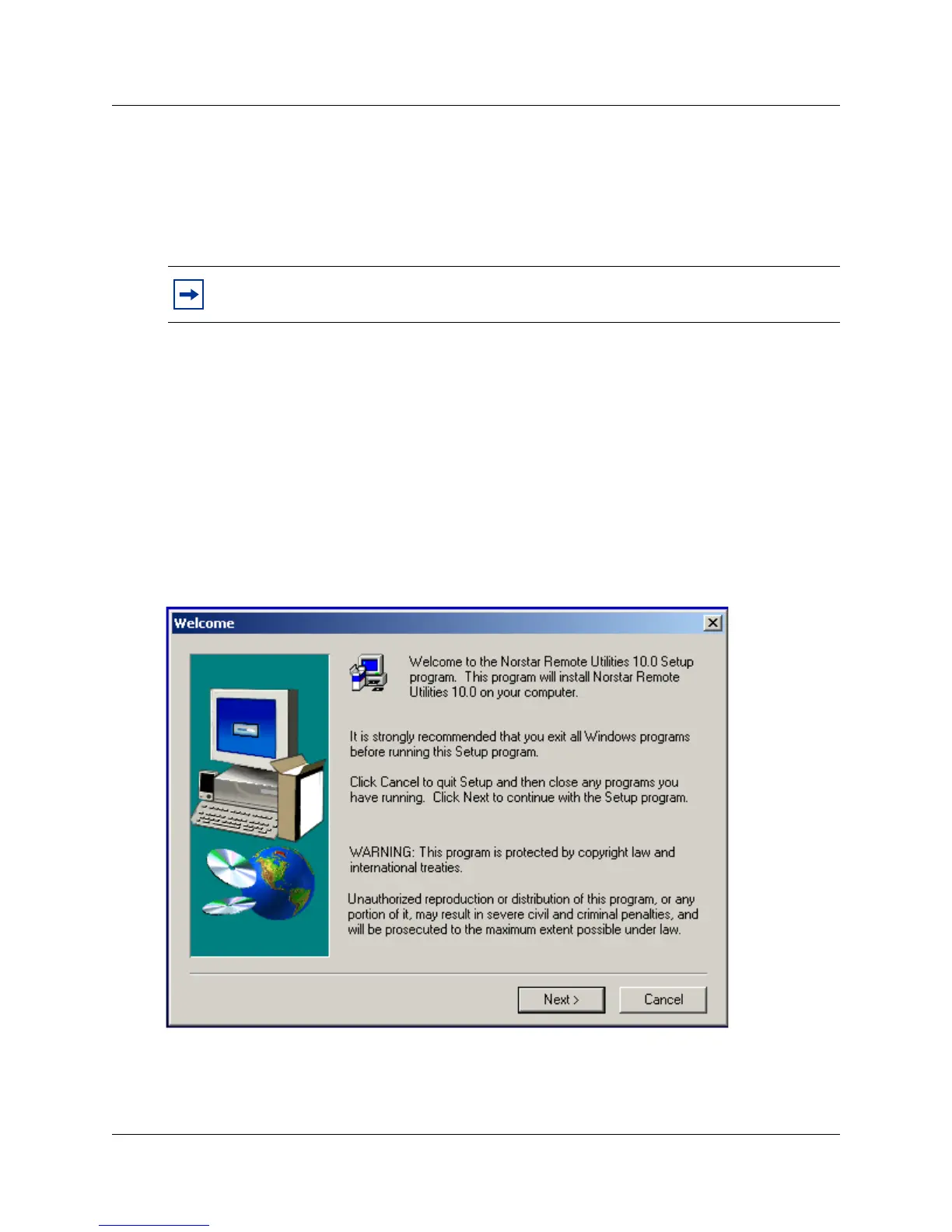
The files start downloading to your computer. Once the files download to your computer, the
installation starts. The first screen you see is the welcome screen, shown in
Figure 7.
Figure 7 Installation Welcome screen
5 Click Next when you are ready to proceed.
A dialog box appears asking if you want to uninstall old versions of Norstar ICS Remote
Tools.
Note: This application allows you to choose whether you want to uninstall previous
versions of the Norstar Remote Tools application.



 To Next Page