Chapter 7 Using Workbooks and off-line programming 95
ICS Remote Tools User Guide
4 Click on OK on the dialog box.
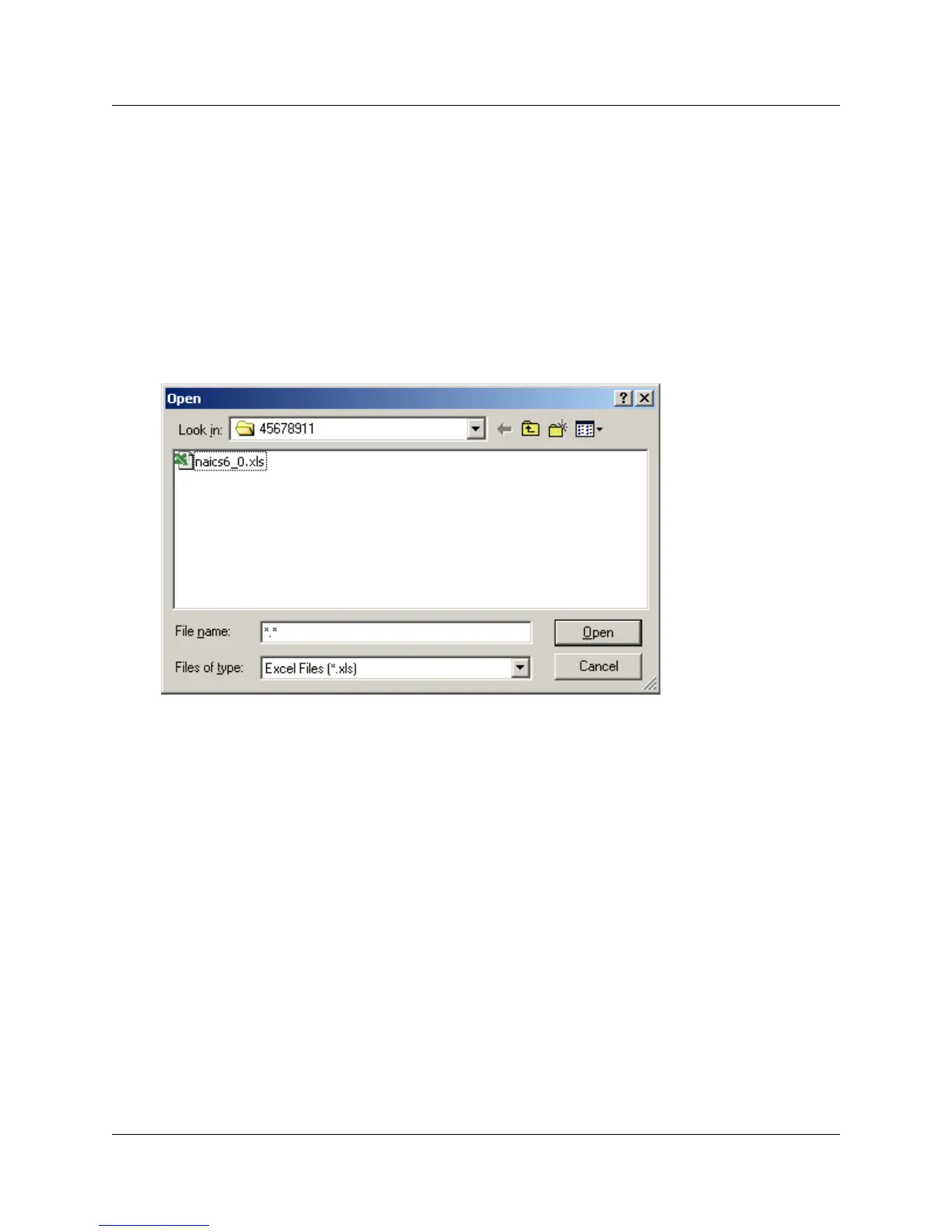
A default Windows Open dialog appears, showing all the Excel workbook files that are
associated with the Norstar System record you selected (
Figure 47).
5 Select the workbook you want to copy, then click Open.
6 Use Save As to save a new workbook file.
7 Edit the information that you want to add or change on the system on the Excel worksheets
and save the file.
Figure 47 Windows Open screen
8 Use the process described in “Programming a system using a workbook” on page 90 to
program the new settings onto the ICS, using the Partial Programming setting, and either the
Add Program or Overwrite Program settings.



 To Next Page