94 Chapter 7 Using Workbooks and off-line programming
N0004999 01
Click Stop to stop programming.
The Errors box on the Program ICS screen displays any errors that occur during the
programming.
Programming an existing system
When you want to change programming for an existing system, you can either create a second
workbook that you use to update specific information (
“Creating and using an update workbook”
on page 94), or you can acquire the current programming from the system into the workbook
already assigned to the customer, change the settings within the workbook, and then reprogram
those settings back to the Norstar system. Refer to
“Acquiring information from a programmed
system” on page 96.
Creating and using an update workbook
By creating a second workbook to use as an update tool, you can use the Off-line Programming
tool to only update specific areas, without being concerned about overwriting other areas of
programming, or messing up the original worksheet.
1 Open ICSRT.
2 Select the customer record.
3 From the Run Tool menu, click Select Workbook.
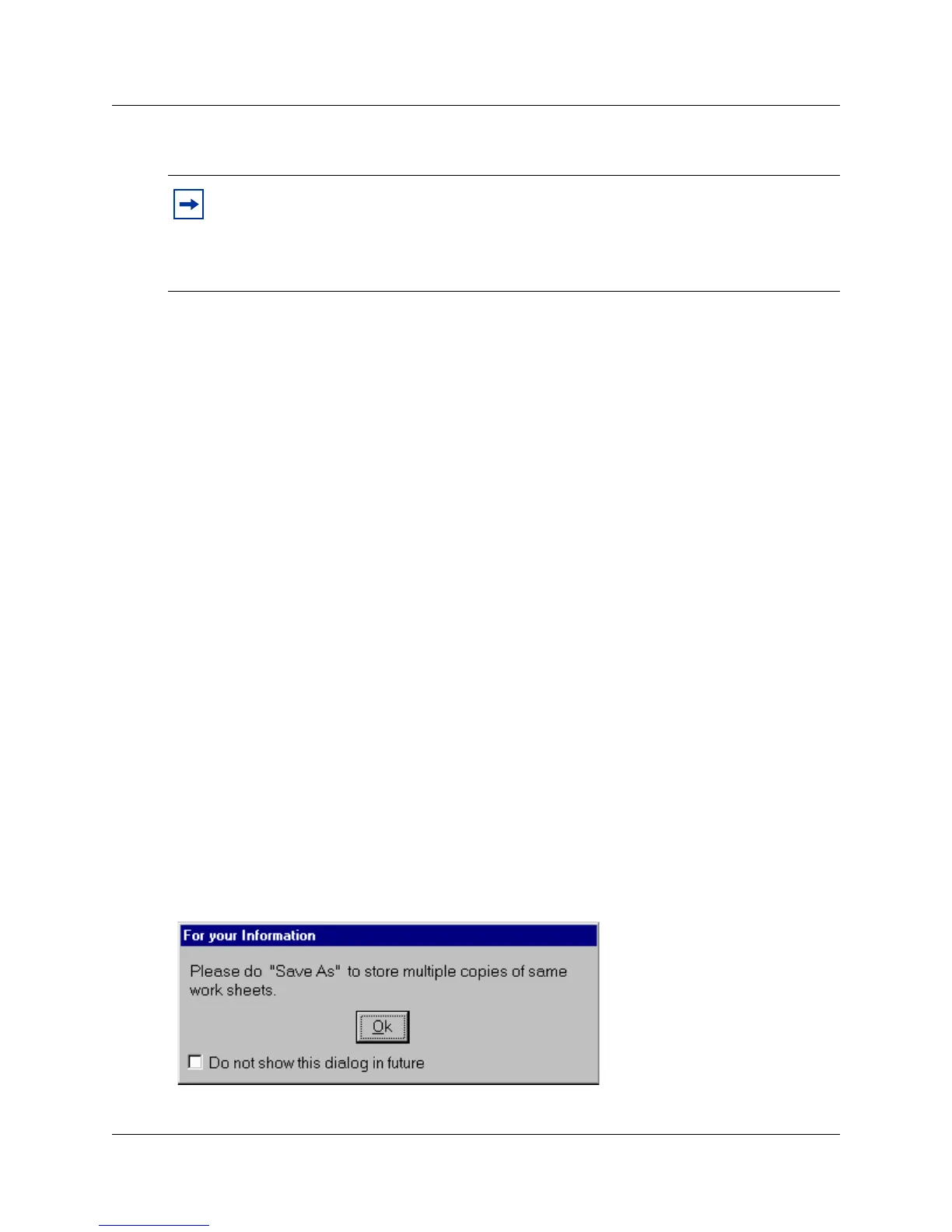
A For your information dialog displays, reminding you to save multiple copies of the
worksheets (
Figure 46). This dialog is shown only if Do not show this dialog in future
remains unchecked.
Figure 46 For you information screen
Note: Stopping the activity does not cancel the programming changes which are made
before you stopped the activity. Any programming which is transferred to the ICS before
you click Stop becomes part of the ICS programming. If you stop an acquire, you can
discard the information and return the workbook file to its original state by closing the file
without saving changes, then re-opening the file.



 To Next Page