88 Chapter 7 Using Workbooks and off-line programming
N0004999 01
7 Click Yes.
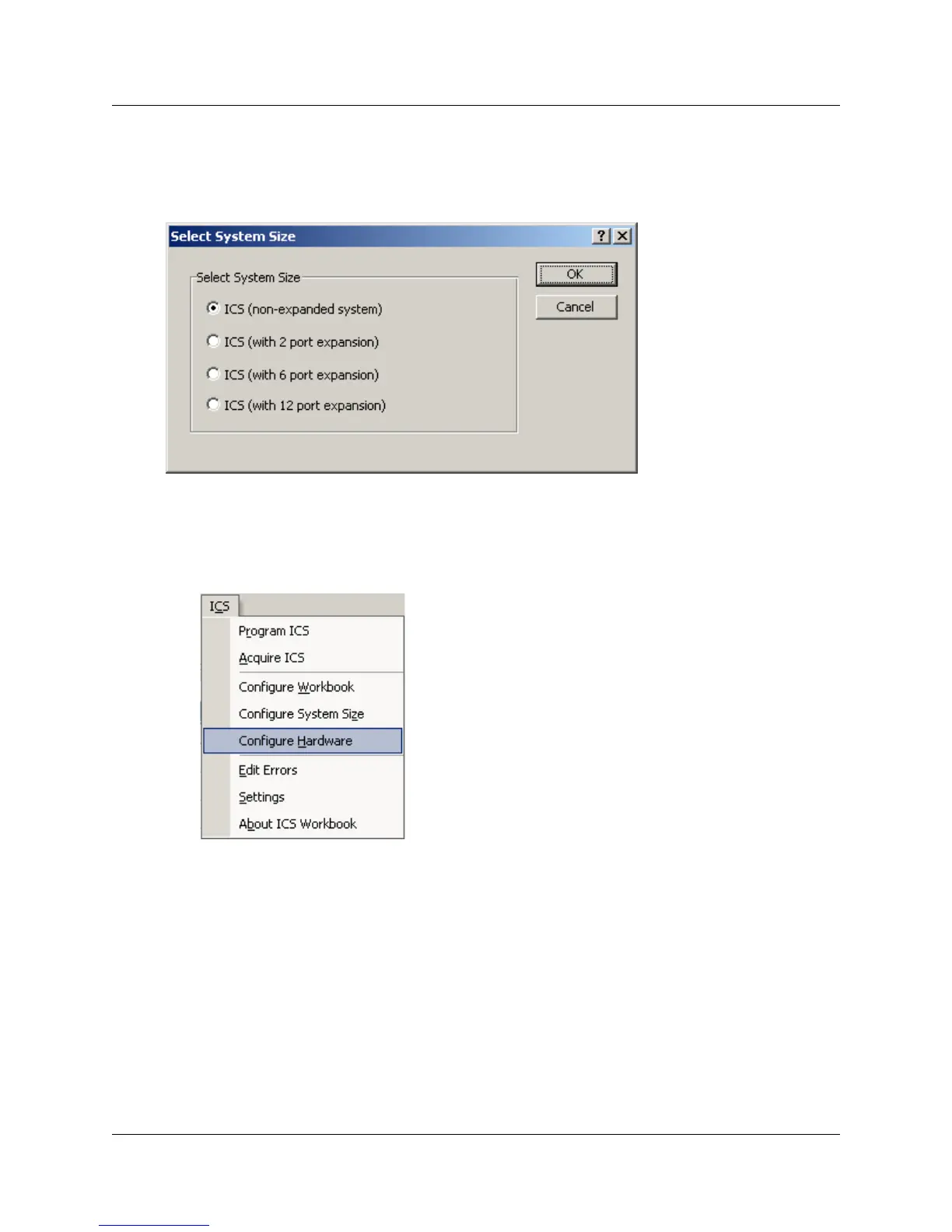
The Select System Size dialog box appears.
Figure 42 Select System Size dialog
8 Select the correct size of the system you will be programming, then click on OK.
If you do not know the size of the system you are programming, click Cancel, and find out this
information before you proceed.
9 Under the ICS menu, select Configure Hardware
The Hardware screen appears (Figure 43). Note that the fields reflect the size of system you
chose in step 9.
10 Ensure that the correct card types are selected for each of the modules, then click OK.



 To Next Page