66 Chapter 6 Understanding the Browser tool
N0004999 01
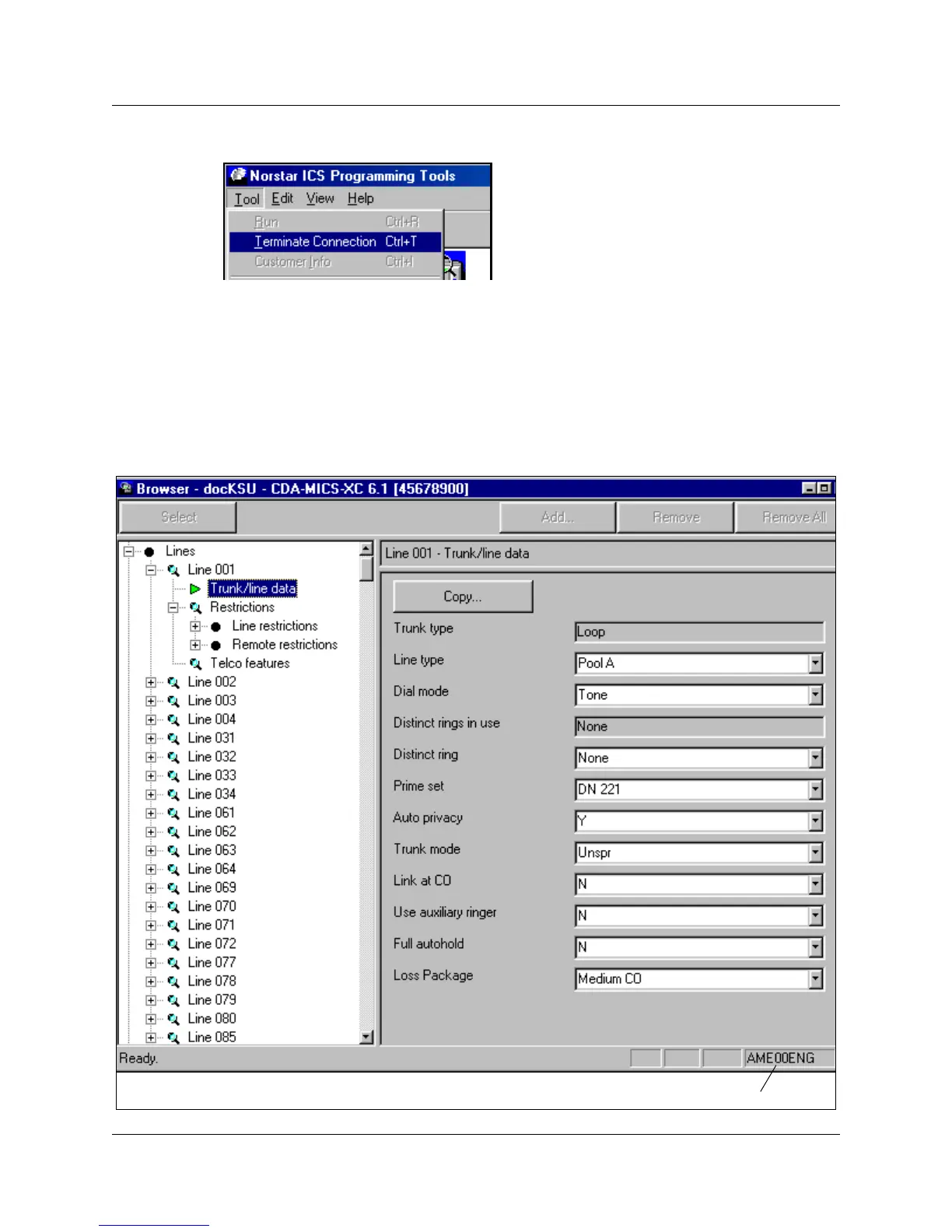
b On the top menu of this screen, click on Tool, and select Terminate Connection.
Understanding the Browser window
The window for the Browser tool is split into two side-by-side frames (panes). The navigation tree
is in the left pane. As well, some of the headings on the navigation tree have additional settings
that appear in the right pane when the heading is selected. Refer to
Figure 31.
Figure 31 Expanded Line menu and data in right pane
Programming map indicator



 To Next Page