Chapter 7 Using Workbooks and off-line programming 87
ICS Remote Tools User Guide
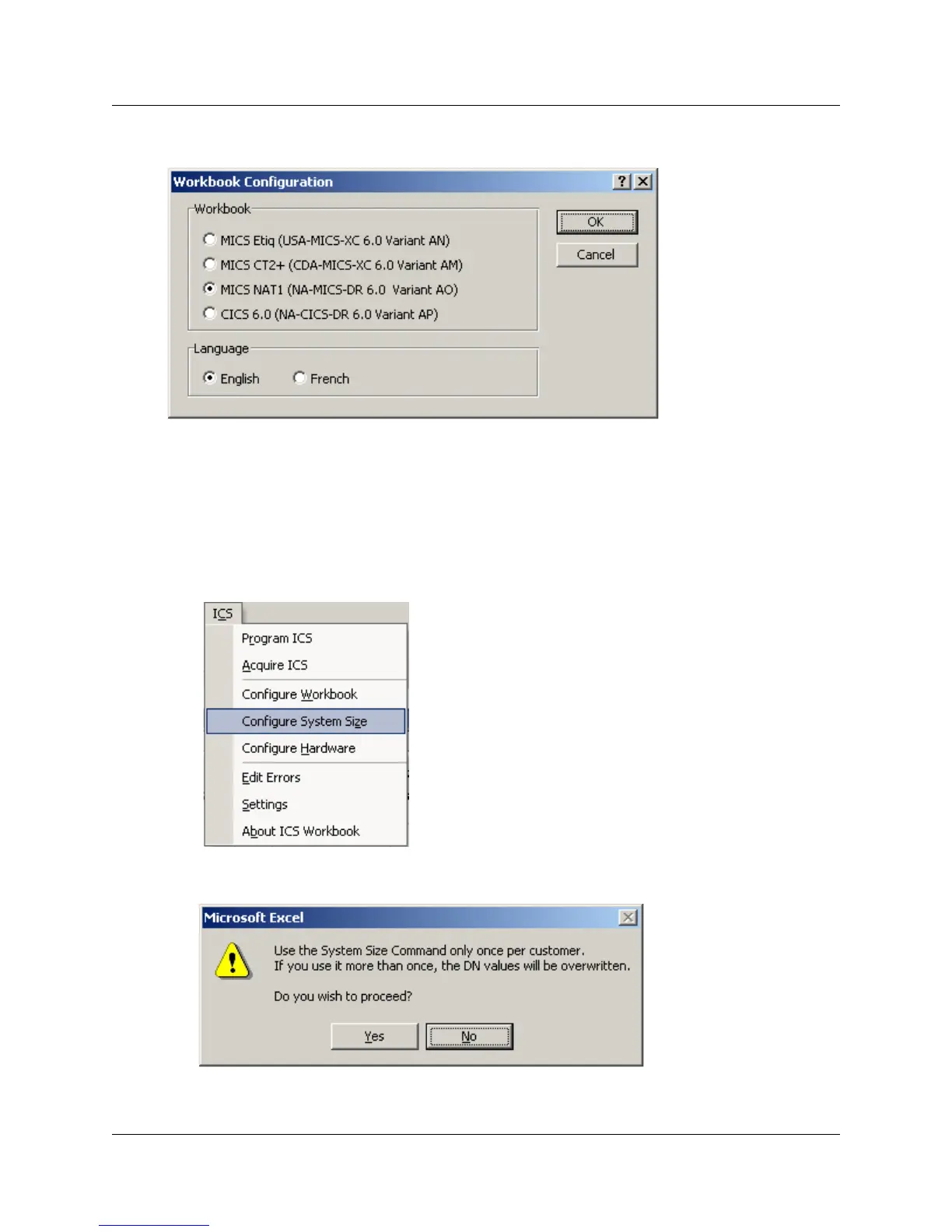
Figure 41 Workbook Configuration screen
3 In the Workbook box, select the appropriate system descriptor.
4 In the Language box, select the language for the worksheet.
5 Click OK.
The workbook changes to the parameters defined by the system. If a language change is
required, it could take up to 10 minutes to reconfigure the workbook.
6 Under the ICS menu, select Configure System Size.
A confirmation dialog box appears.



 To Next Page