42 Chapter 3 Setting up customers in ICSRT
N0004999 01
Creating a customer record
All information in ICSRT is associated with a customer record stored in a database file. For each
Norstar system you want to monitor, you need to create a unique record through the Customer Info
screen.
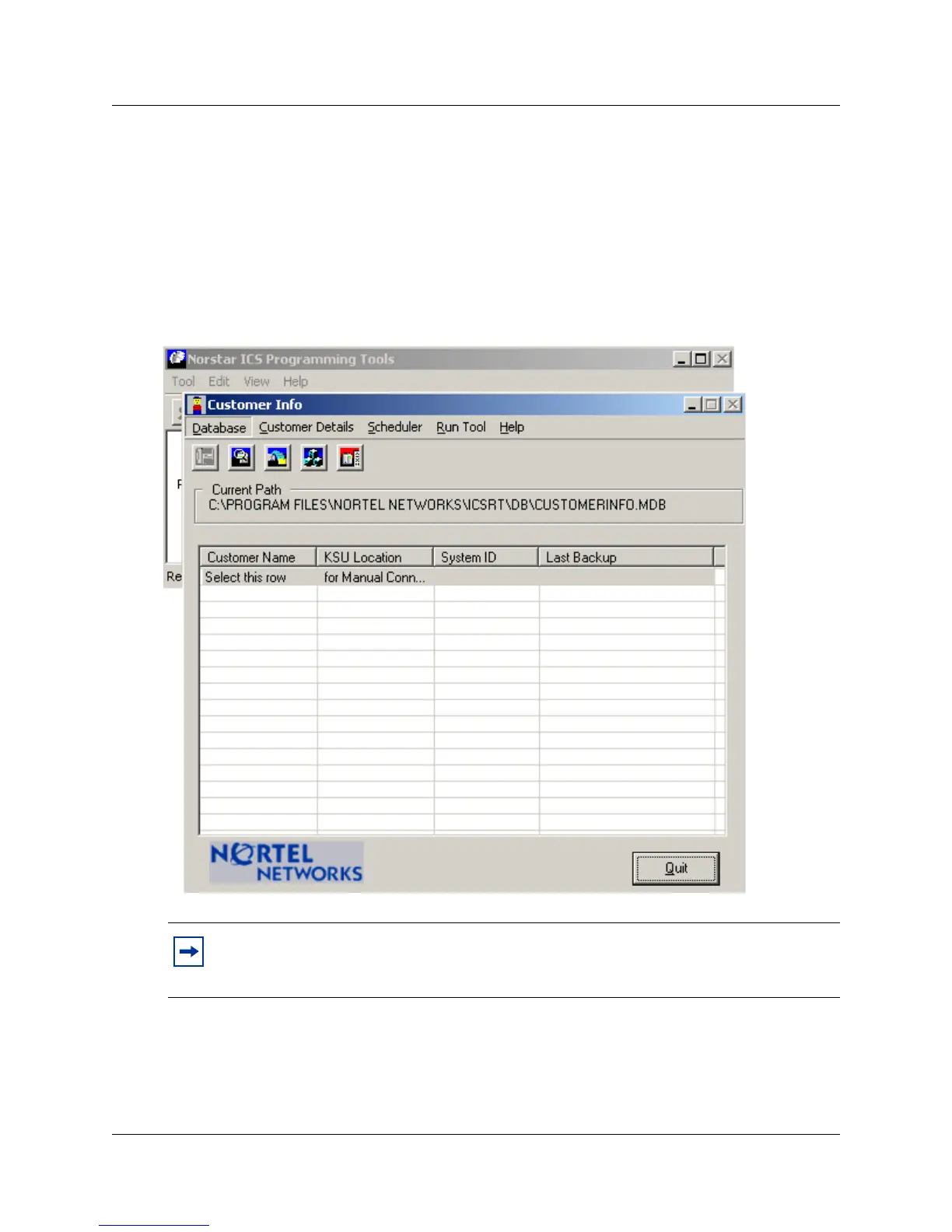
1 Open the ICSRT application.
The Customer Info screen displays.
Figure 17 ICSRT Customer Info screen with Programming tools in background
2 Check the Current Path field to ensure you are in the database where you want to add this
customer. If not, change databases. Refer to
“Moving between databases” on page 38.
3 On the menu click on Customer Details, then select ADD.
The Add Customer Information screen appears.
Note: If you add customers to a new system, they will be filed in the default database
unless you create a database in another location. Refer to
“Creating a database” on page 36
and “Setting up a multi-user database on a LAN” on page 41.



 To Next Page