96 Chapter 7 Using Workbooks and off-line programming
N0004999 01
Acquiring information from a programmed system
You can populate a workbook file with the current programming data from a Norstar system. You
must select the appropriate ICS type for the workbook before you acquire data, as explained in
“Configuring a workbook” on page 85.
1 Open ICSRT.
2 Select the customer record you want to work with.
3 From the Run Tool menu, click Select Workbook.
A For your information dialog displays, reminding you to save multiple copies of the
worksheets. This dialog is shown only if Do not show this dialog in future checkbox on the
dialog box remains unchecked.
4 Click on OK on the dialog box, if it appears.
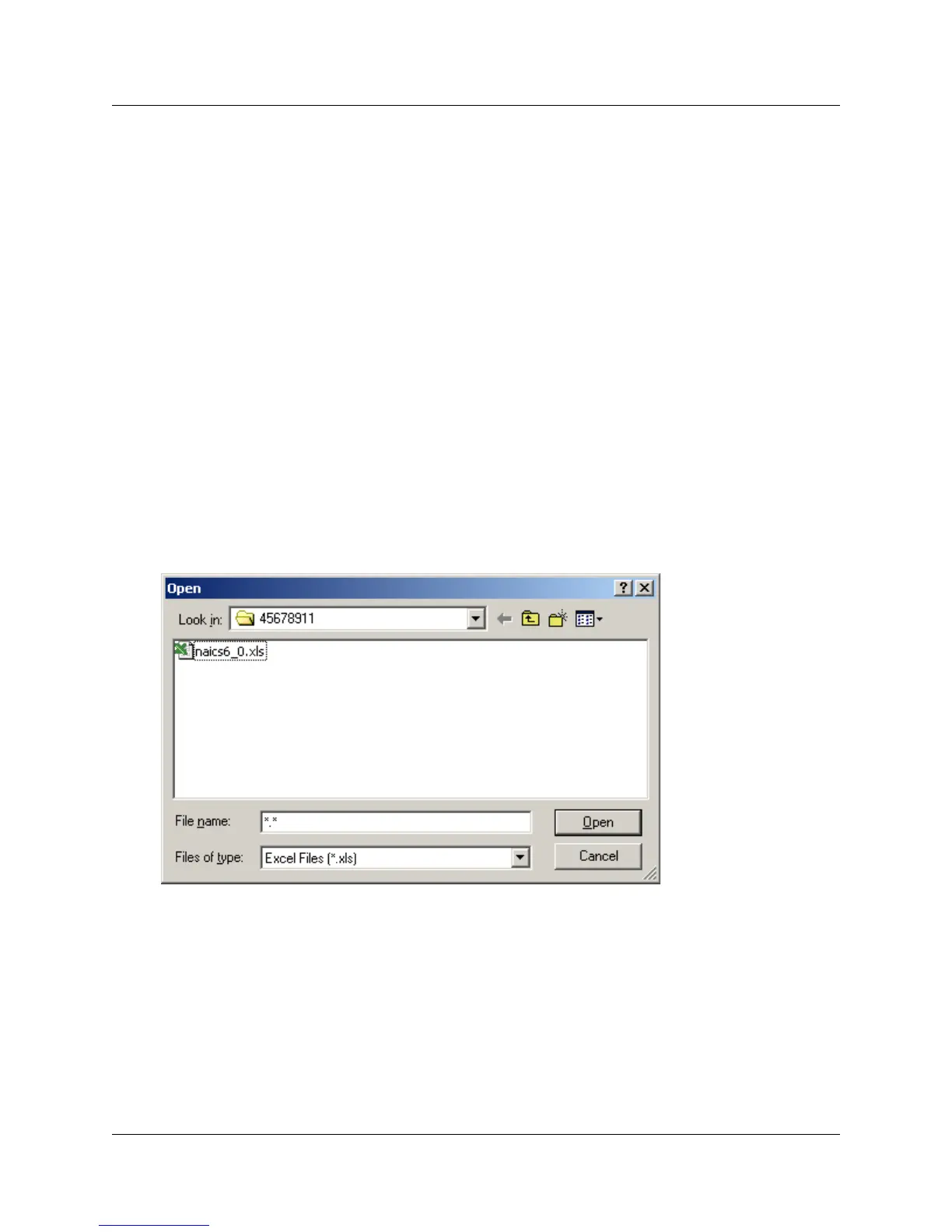
A default Windows Open dialog appears, showing all the Excel workbook files that are
associated with the Norstar System record you selected.
Figure 48 Windows Open screen
5 Select the workbook you want to work with.
6 Click Open. The Workbook opens in Excel.
7 On the top menu of the workbook, click ICS, then select Acquire ICS.
The Acquire ICS screen displays.



 To Next Page