48 Chapter 3 Setting up customers in ICSRT
N0004999 01
Viewing customer records
If you just need to check customer record settings, without making any changes, you can use the
View setting.
To view customer records:
1 On the Customer Info screen, select the record you want to view.
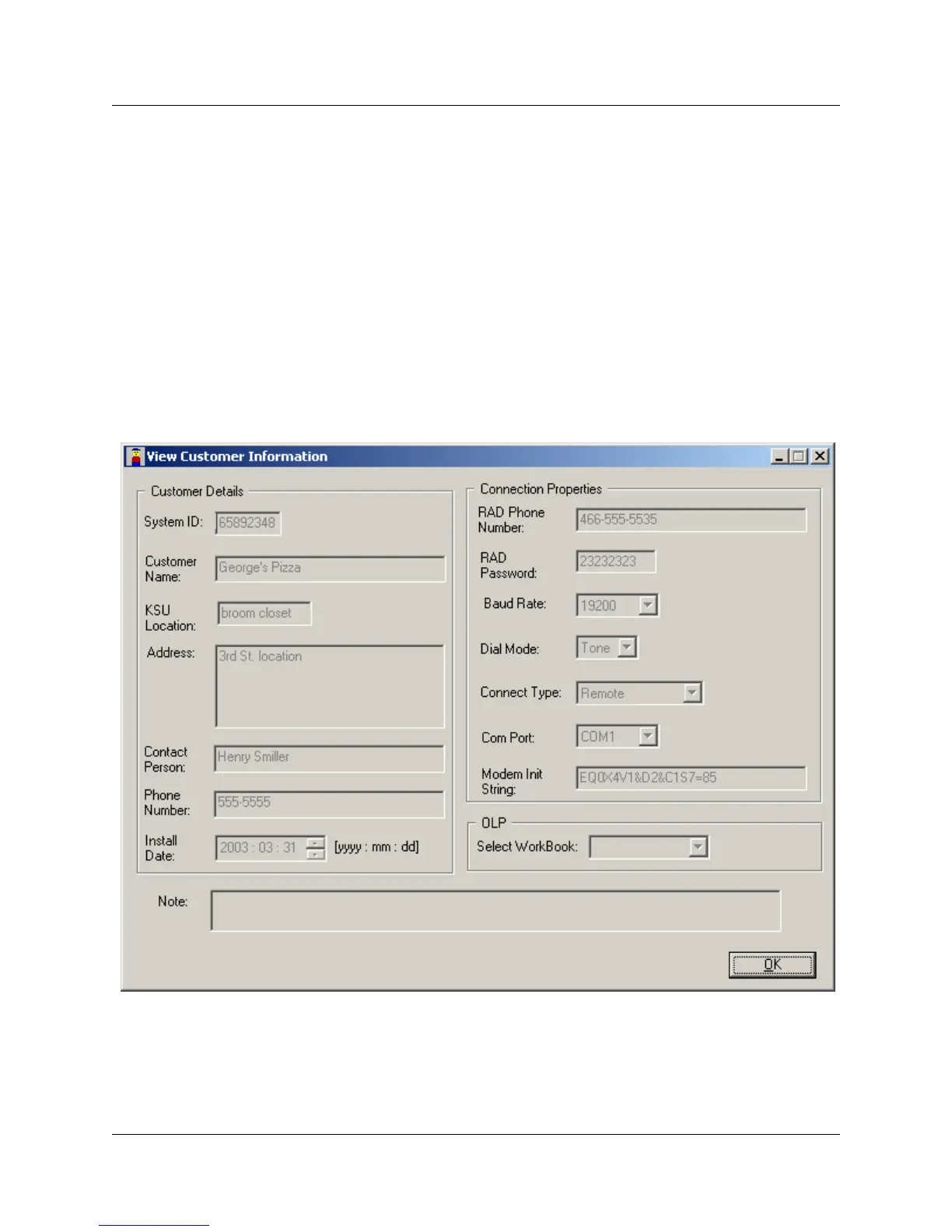
2 On the menu click on Customer Details, then select View, or double click on the entry in the
Customer Info screen. The View Customer Information screen displays (
Figure 22).
Note that all the fields in the View Customer Information screen are read-only.
3 Click OK to exit the screen.
Figure 22 View customer information



 To Next Page