Chapter 8 Backing up and restoring Norstar data 119
ICS Remote Tools User Guide
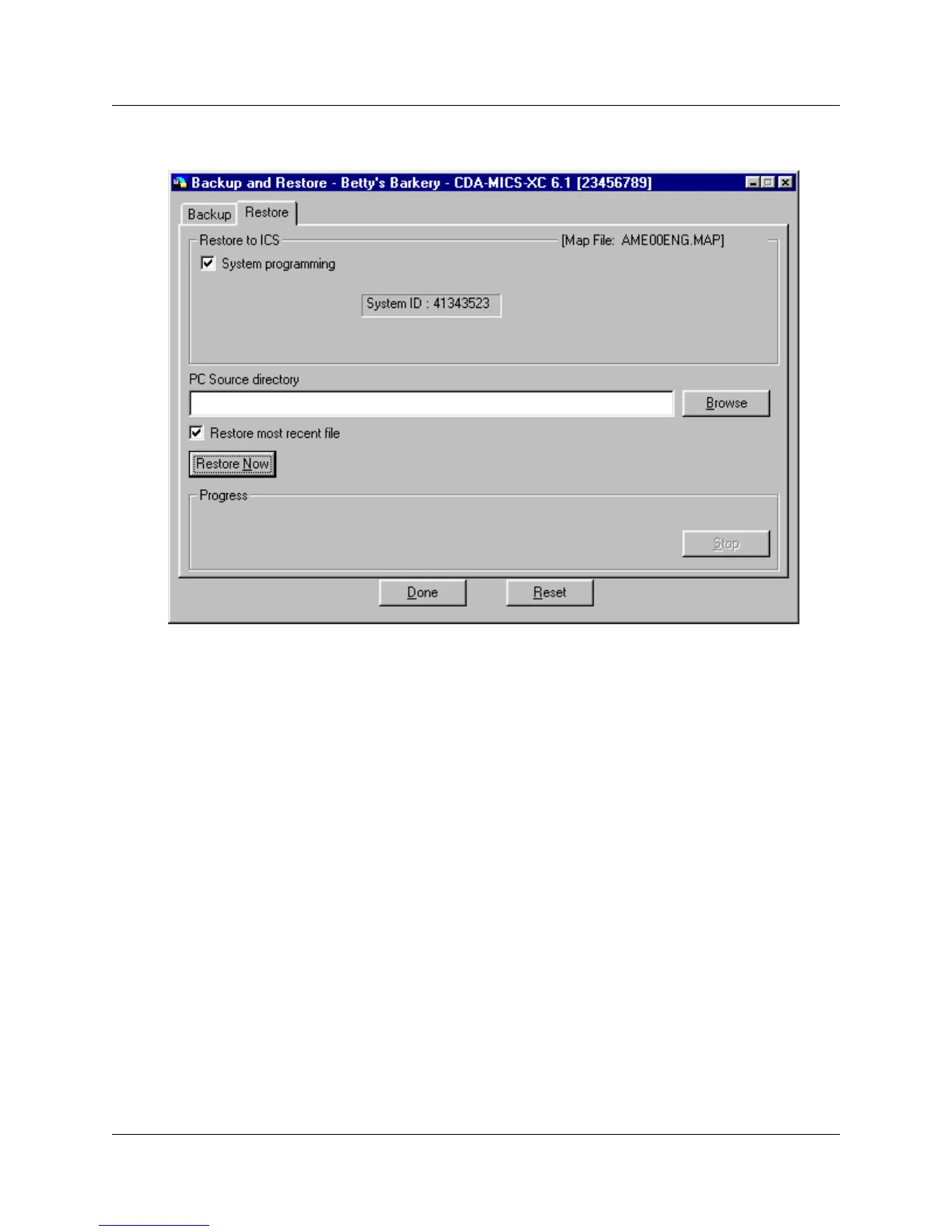
Figure 61 Backup and Restore screen, Restore tab
12 Click on Restore Now. The restore begins immediately.
The Progress field indicates how the restore is progressing. If you encounter errors or need to
stop the restore process, slick on Stop.
13 When the restore is complete, click on Done.
If you need to restart the restore while it is running, click on the Reset button.
14 Ensure that you exit the connection to the Norstar system:
a On your desktop, click on the Norstar ICS Programming Tools screen, which sits behind
the Customer Info screen.
b On the top menu of this screen, click on Tool, and select Terminate Connection.
<drive>:\<path to customer database>\<relevantbackupfolder>



 To Next Page