Chapter 2 Setting up ICS Remote Tools 33
ICS Remote Tools User Guide
13 If the settings are okay, click Next.
The wizard progresses through the install.
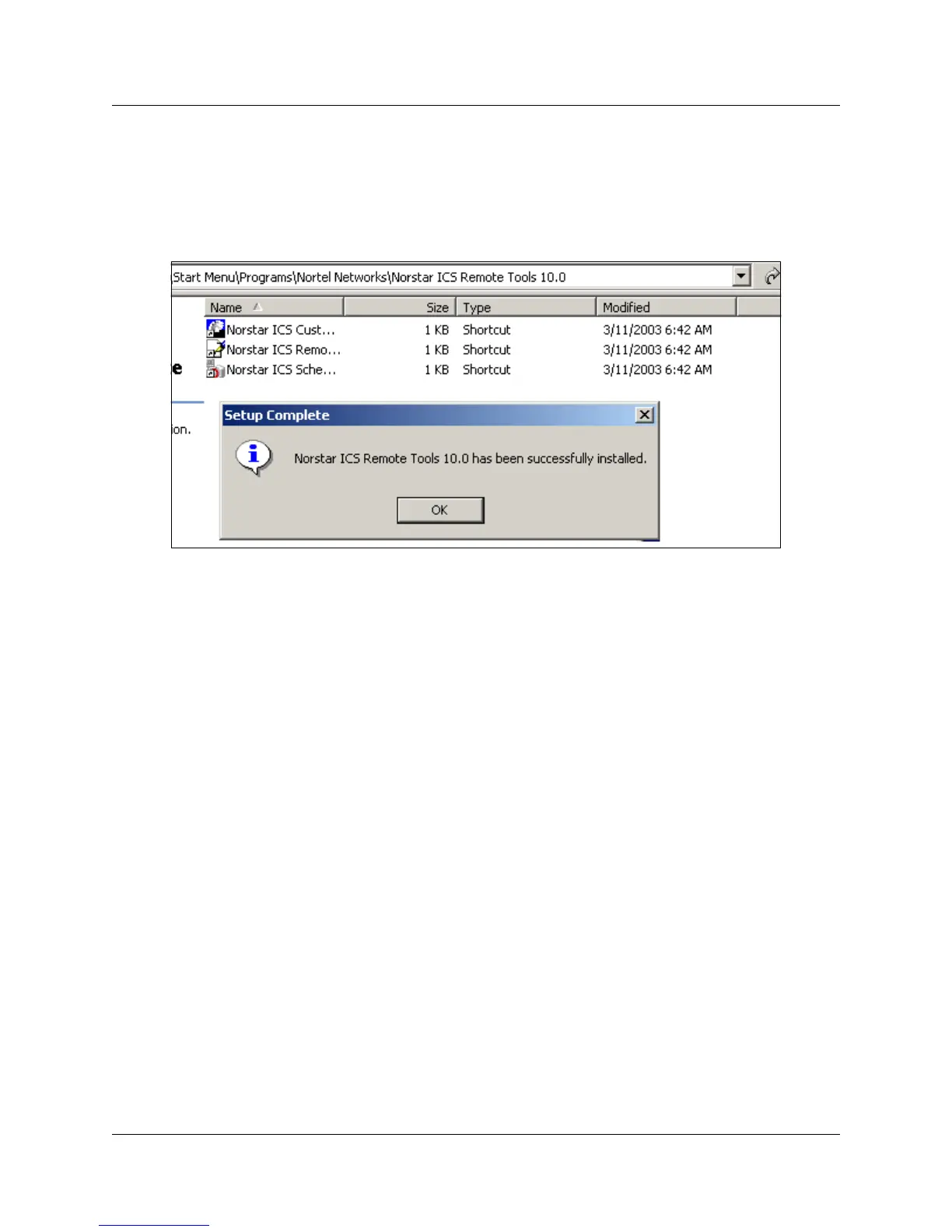
When the install is successful, a Setup Complete dialog box appears, on top of the Start Menu
folder where the program files are located (
Figure 13).
Figure 13 Successful installation dialog
14 Click OK to exit the dialog box.



 To Next Page