30 Chapter 2 Setting up ICS Remote Tools
N0004999 01
6 Click Yes to move forward.
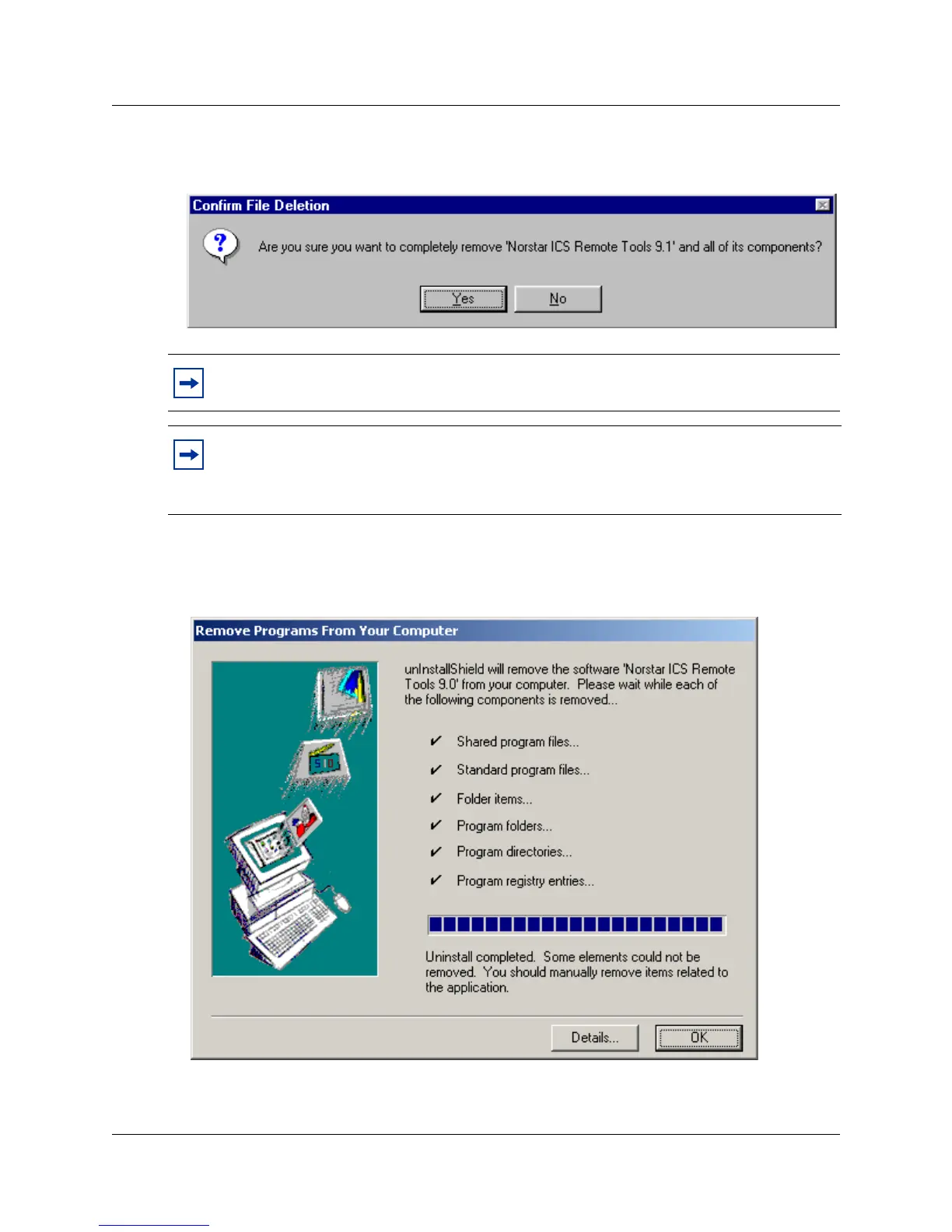
7 You receive the following prompt:
8 Click Yes on the dialog box.
The following screen appears and indicates which files are being removed.
Figure 8 Remove Programs From Your Computer screen check
9 When the dialog indicates that the uninstall is complete, click the OK button.
Note: If you do not uninstall previous versions of Norstar ICS Remote Tools, the new
version will not install.
If you want to uninstall Norstar Manager, use the Add/Remove software option under the
Windows Start button on your computer.
Do not uninstall Norstar Manager if you are managing any systems running software prior
to version 2.0.



 To Next Page