Chapter 3 Setting up customers in ICSRT 45
ICS Remote Tools User Guide
5 Click on OK to save the record.
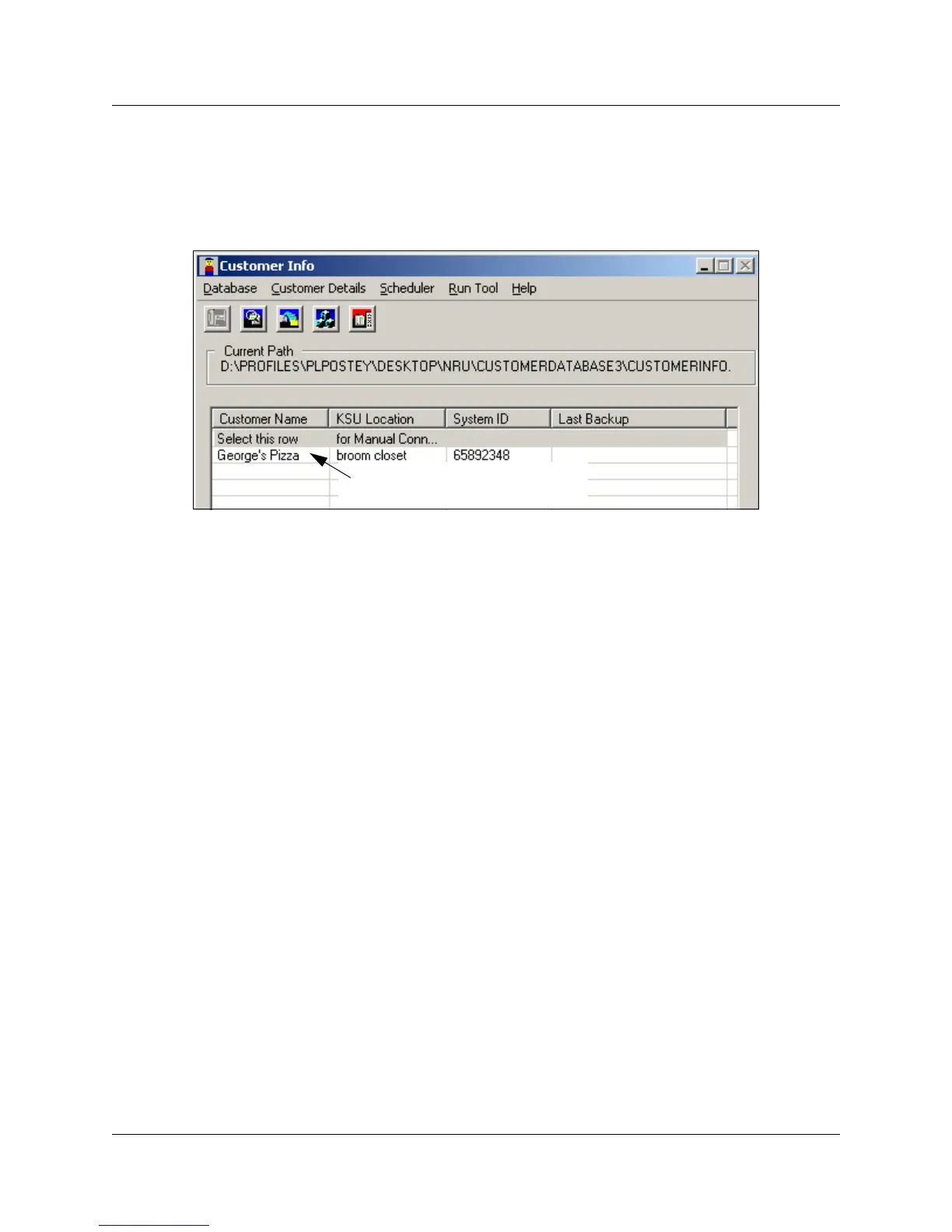
6 The record name appears in the Customer Info screen.
In the database folder, the customer record is added to CustomerInfo.mdb.
Figure 19 Customer information on Customer Info screen
Editing customer records
If you need to make changes to a customer record, use the Edit setting. You will be allowed to
change any field except the System ID field.
If you need to change the system ID field for a record, you would need to copy the record, but if
you do this you would also lose the connection to the customer and backup files, as these are
tagged by the unique System ID.
To edit customer records:
1 On the Customer Info screen, select the record you want to edit.
2 On the menu click on Customer Details, then select Edit. Refer to Figure 20.
3 Change or add the information on the Edit Customer Information screen, then click on OK.
New customer record



 To Next Page