Chapter 7 Using Workbooks and off-line programming 89
ICS Remote Tools User Guide
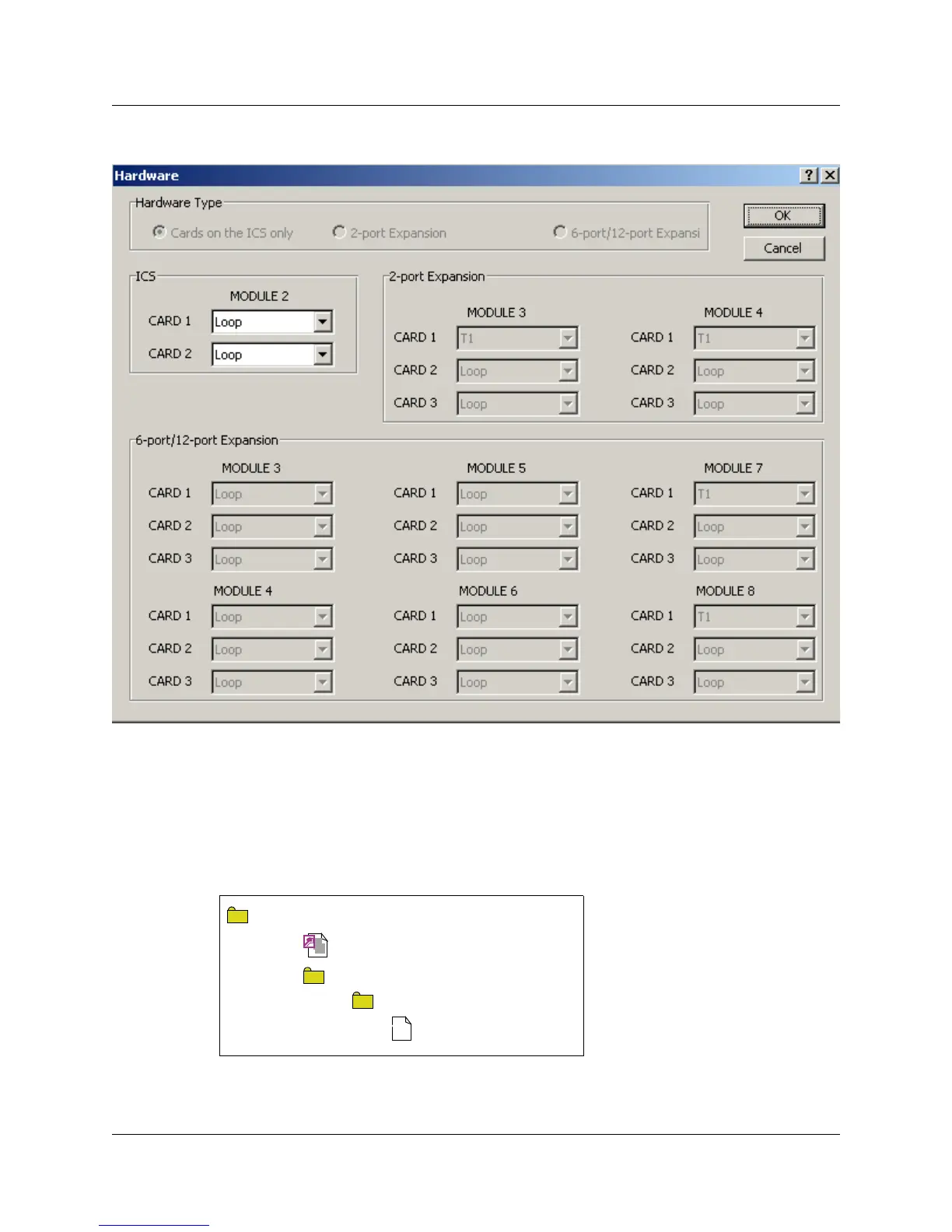
Figure 43 Hardware screen
11 Enter the parameters supplied by your customer into the Excel worksheets or go to step 14, if
you want to configure the data later.
12 Save the workbook.
• If you are working with a workbook already assigned to the customer, the workbook is
saved in the same folder where the CustomerInfo.mdb is located, in a folder called
OlpWorkbooks\<systemid>.
The workbook is now configured to the system and ready to use. Go to “Programming a
system using a workbook” on page 90.
<databasename>
Customer.mdb
OlpWorksheets
<customer system ID>
*.xls file
X



 To Next Page