Chapter 3 Setting up customers in ICSRT 37
ICS Remote Tools User Guide
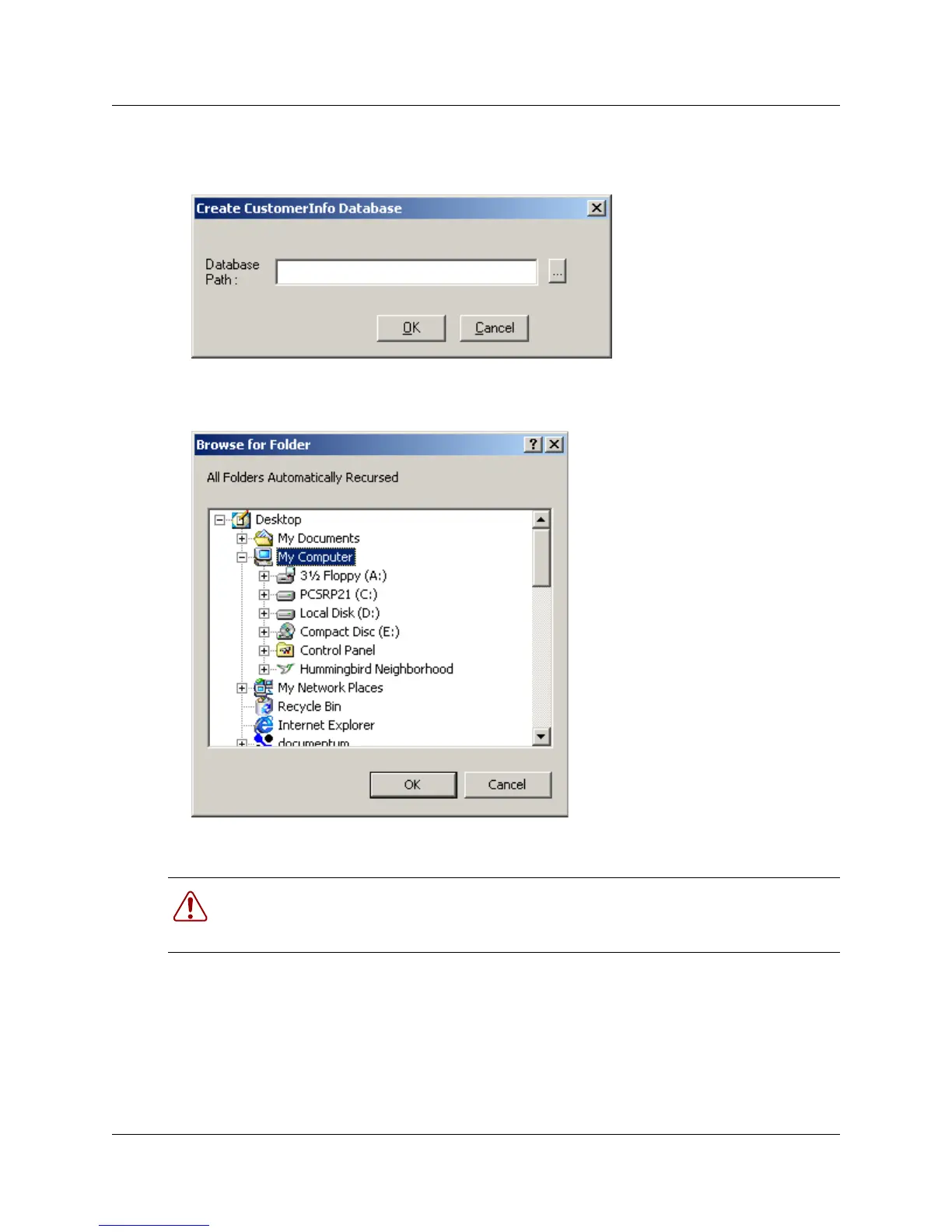
2 On the menu, click on Database and select Create.
A Create CustomerInfo Database dialog displays.
3 Click on the button beside the Database Path field. (...)
A Browse for Folder dialog appears.
4 Navigate to where you want to put the database.
5 Select the location and click on OK.
The location displays in the Database Path field.
6 If the location you chose does not have a folder where you want to put the database, at the end
of the entry in the Database Path field, type in
\<
folder name
>.
Warning: Do not connect to <installed path>\ICSRT\Template\CustomerInfo.mdb for
any reason. If this file is accessed, it may become corrupted. In that situation, you need to
re-install the ICSRT application.



 To Next Page