Ensure the best quality output 133
How to analyze the tone scale area check
The 'Tone scale area check' print option is a quick method to help you find the
cause of an unsatisfactory output quality. The 'Tone scale area check' print
option is especially useful to check the quality of the color rendering and the
color fastness.
Use the 'Tone scale area check' print option on the printer operator panel to
trace the following problems.
[26] Descript ion of outpu t qual ity proble ms
[26] Description of output quality problems
The 'Optimize print quality' section describes how you can solve problems
with the quality (see ‘Use the Optimize print quality wizard’ on page 141).
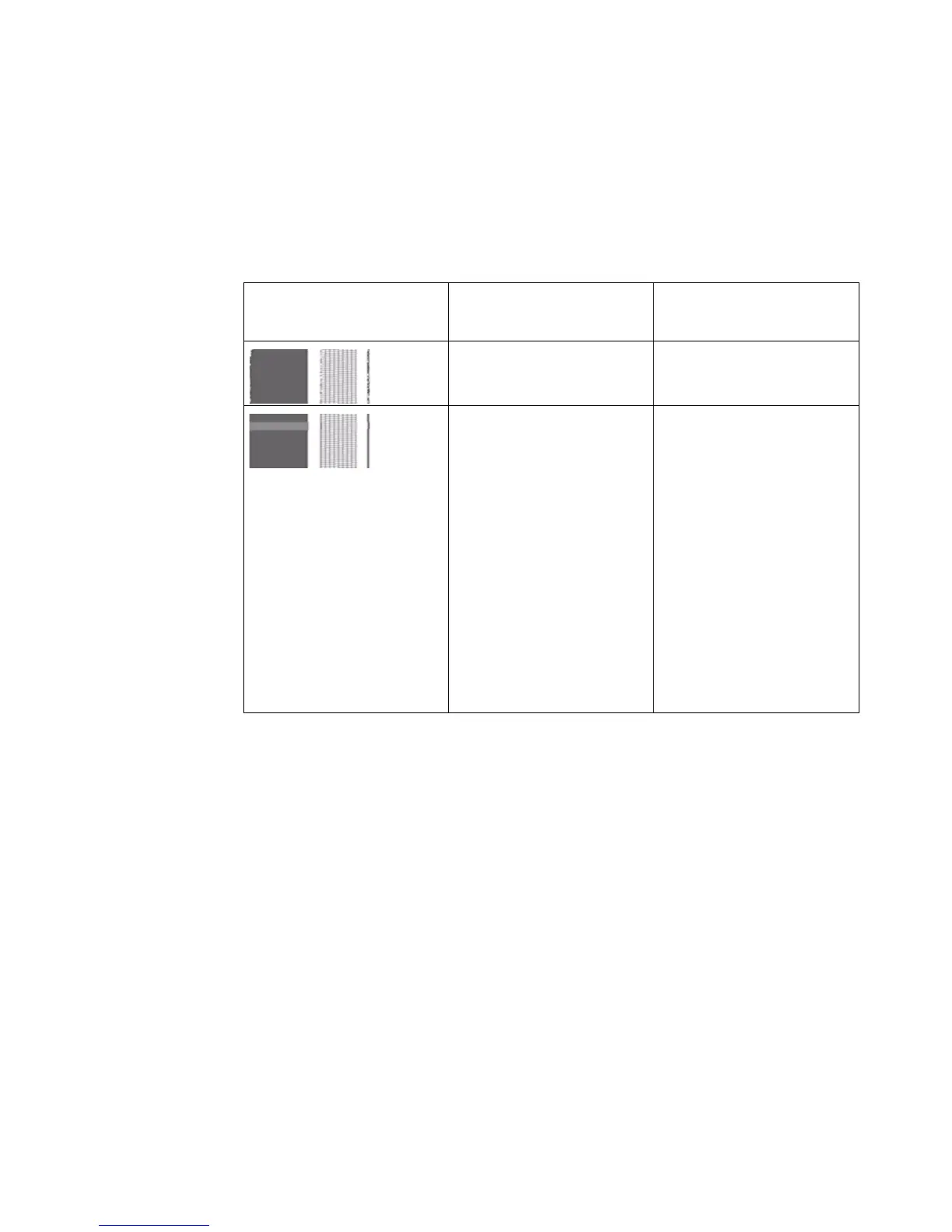
Graphical representa-
tion of the problem
Problem Description
Drop-out Problems with the noz-
zles can cause drop-out.
Banding Banding means that a
print contains regular
horizontal stripes.
These stripes can ap-
pear as light or dark
bands. Problems with
the nozzles can cause
banding. The tone scale
area check is printed in
the 'Presentation' mode
and must not contain
banding.



 To Next Page