214 Océ TCS400 User manual
Miscellaneous errors
Introduction
This section describes the following errors:
■ A smartcard error
■ An adjustment error
■ A calibration error.
A smartcard error
If a smartcard error occurs on the scanner, follow the instructions on the screen
and make sure the smartcard is correctly installed.
(see ‘Correct smartcard errors’ on page 216)
An adjustment error
The scanner can only perform the automatic adjustment if the pressure platen
is placed in the default position.
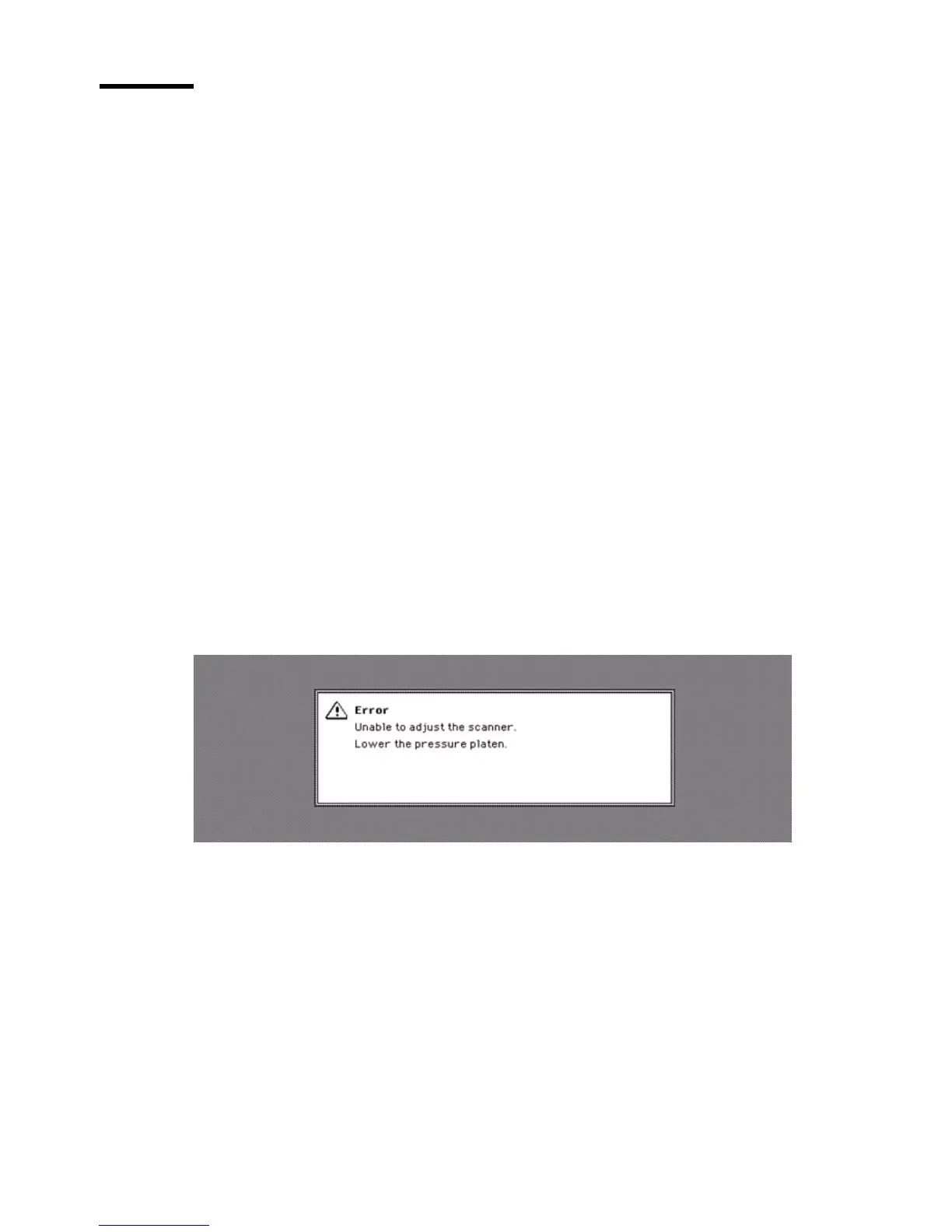
If the pressure platen is not in the default position for longer than a defined
time, the following error message can appear:
If this error message appears, return the pressure platen to the default position.
Wait until the scanner adjustment is complete, then adjust the pressure platen
again.
(see ‘Thick originals’ on page 158)



 To Next Page