Manage jobs on the Océ TCS400 161
Handle the media on the printer
Cut the output and clean cut a roll of media
Introduction
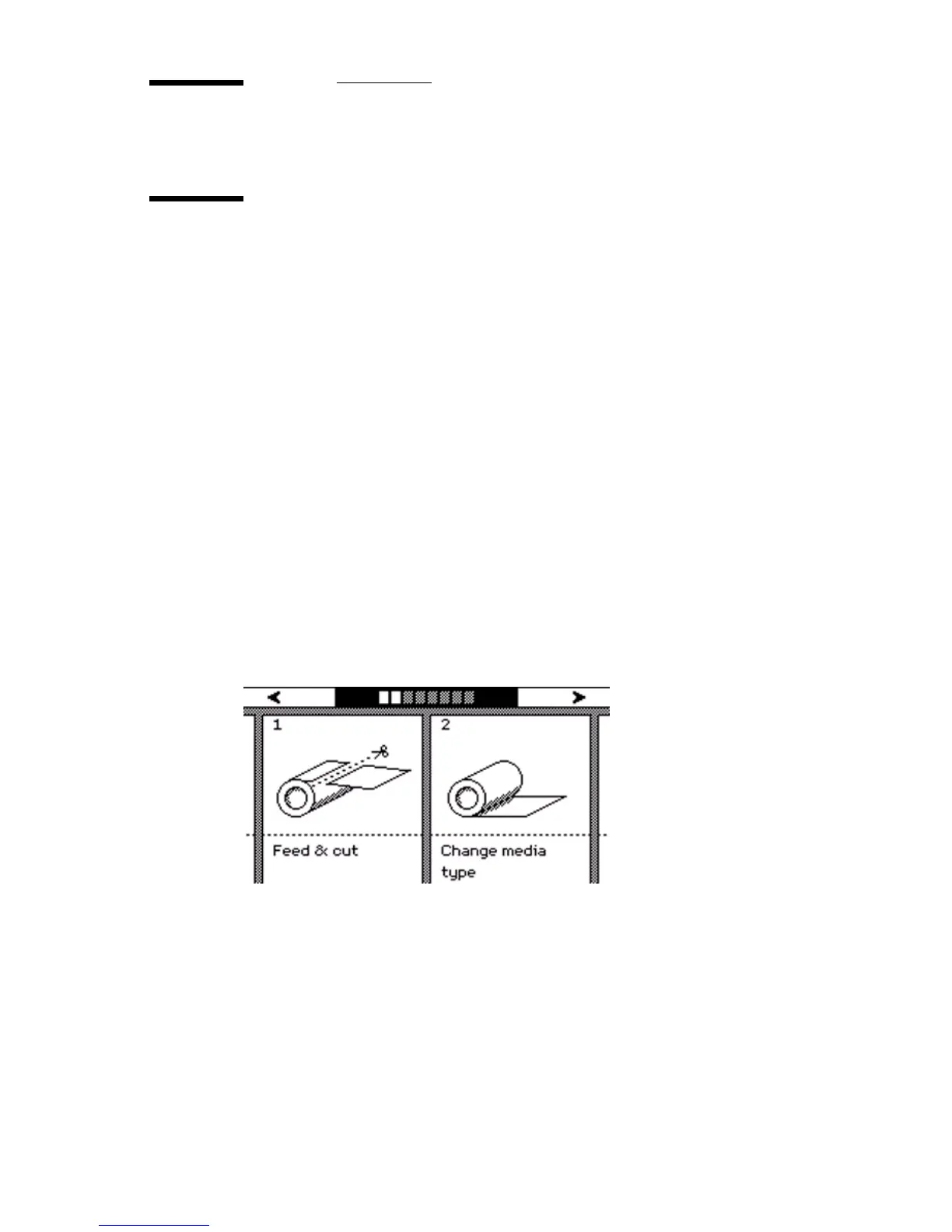
The off-line screen of the printer operator panel contains the 'Feed & cut'
wizard that helps you perform the following:
■ Cut the output.
■ Clean cut a roll of media. Use this option to cut the roll so that the edge is
straight.
You can only use the 'Feed & cut' wizard to cut the output when 'Automatic cut'
is disabled in the Océ Settings Editor.
Note: If 'Automatic cut' is enabled in the Océ Settings Editor, the system
automatically cuts the output.
How to use the Feed & cut wizard to cut the output.
1
Press the on-line / off-line key to set the printer off-line.
2 Use the upper softkeys to scroll to the 'Feed & cut' card.



 To Next Page