Error handling 207
System errors and permanent errors
Introduction
If a system error or a permanent error occurs, the system produces a double
audio signal. The red LEDs of the printer operator panel remain illuminated.
How to correct system errors
1
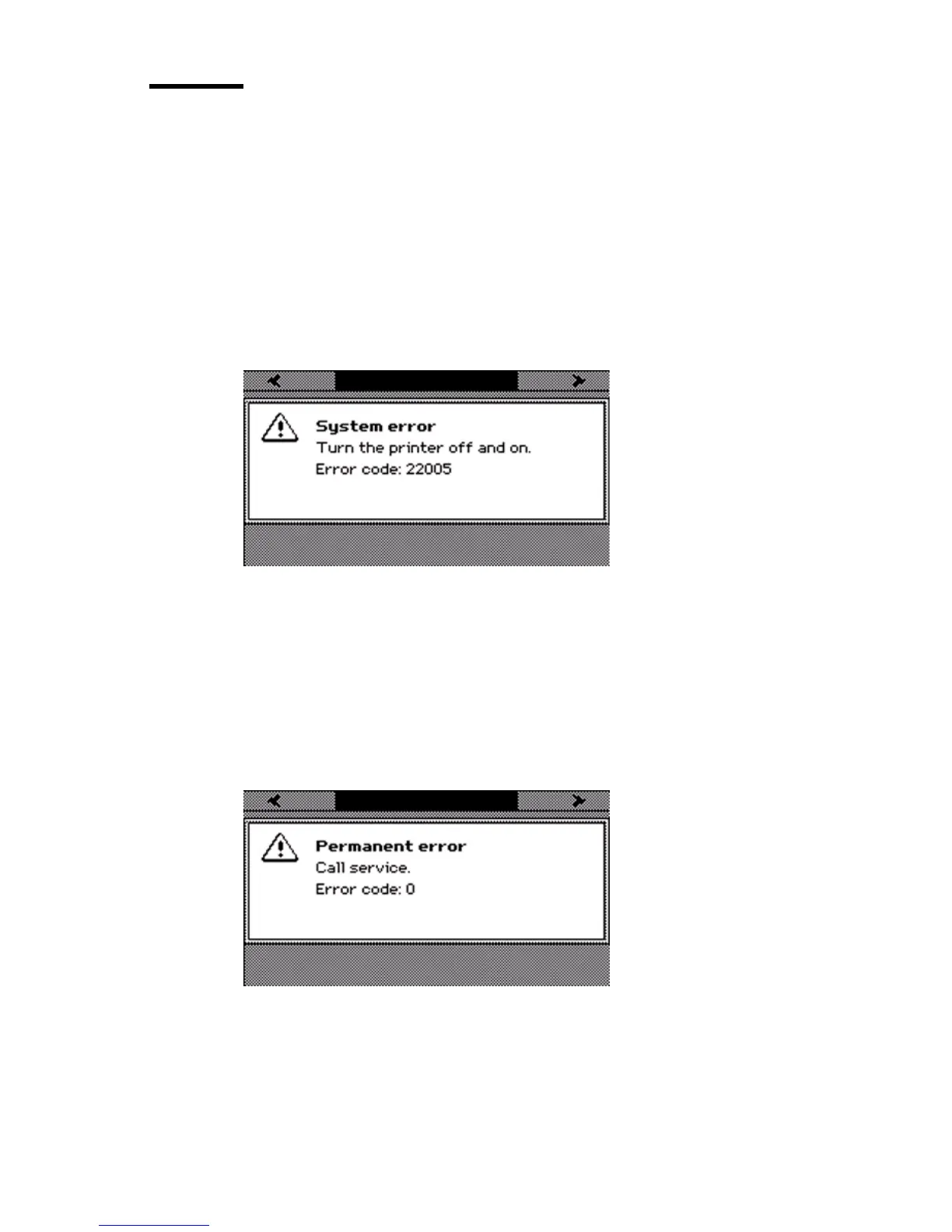
A system error is an error that the system can recover. If a system error occurs,
an error code is displayed on the screen.
2 If a system error occurs, you must turn the printer off and on.
Note: After the system is turned off, wait a few seconds before you turn the
system on again.
How to deal with permanent errors
1
A permanent error is an error that neither the system nor the operator can
recover. A permanent error does not recover when you restart the system. If a
permanent error occurs, an error code is displayed on the screen.
2 If a permanent error occurs, contact your local Océ service organization. Make
sure you have the error code at hand when you contact your local Océ service
organization.



 To Next Page