206 Océ TCS400 User manual
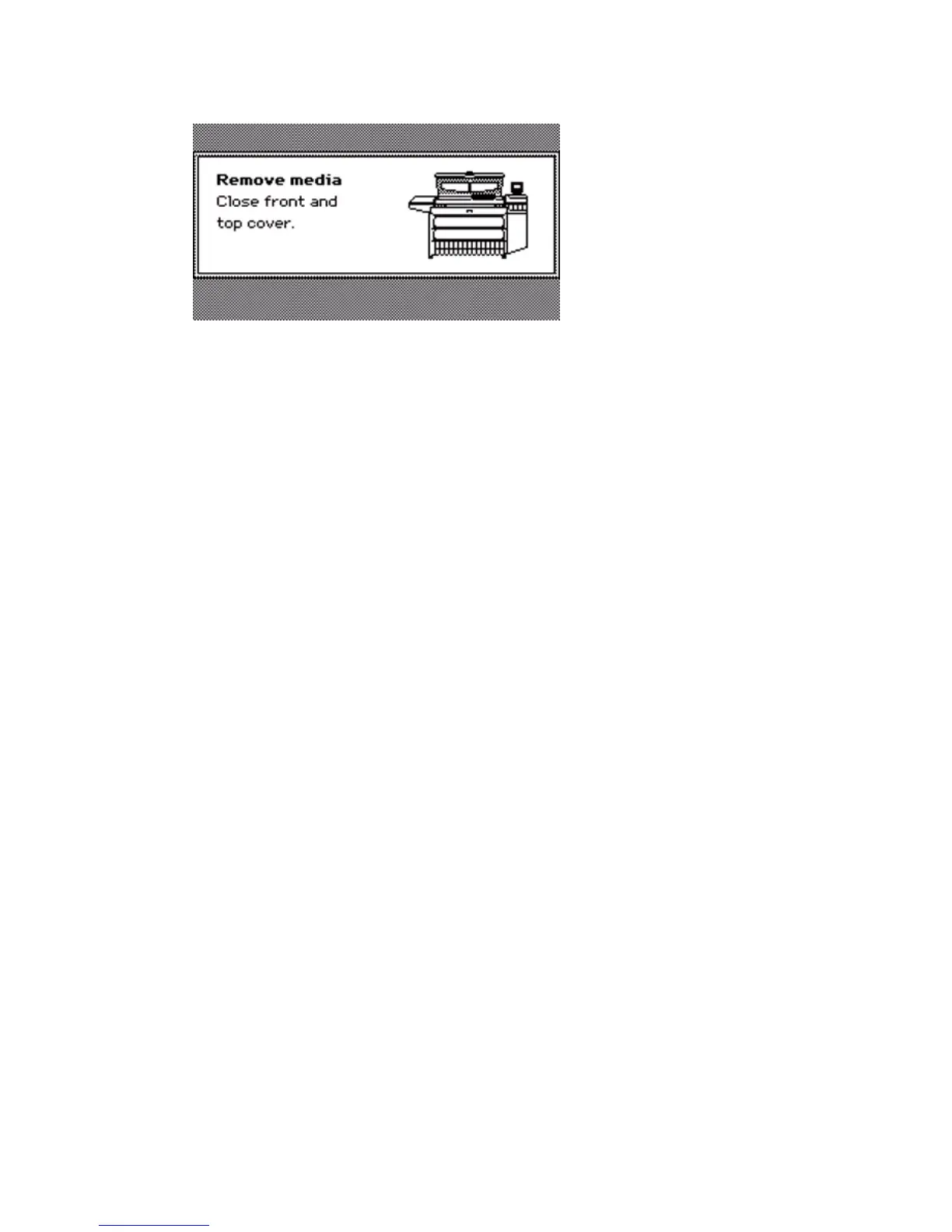
4 Press the softkey for 'Done' to confirm that you removed the jammed media.
5 Close the cover or door that the printer operator panel indicates.
6 Insert the roll of media in the printer.
The printer is ready for use.
Note: If you remove the media from the front of the printer, there is a risk of ink
pollution in the media feed section.



 To Next Page