212 Océ TCS400 User manual
Clear the errors on the scanner
Remove a jammed original
Introduction
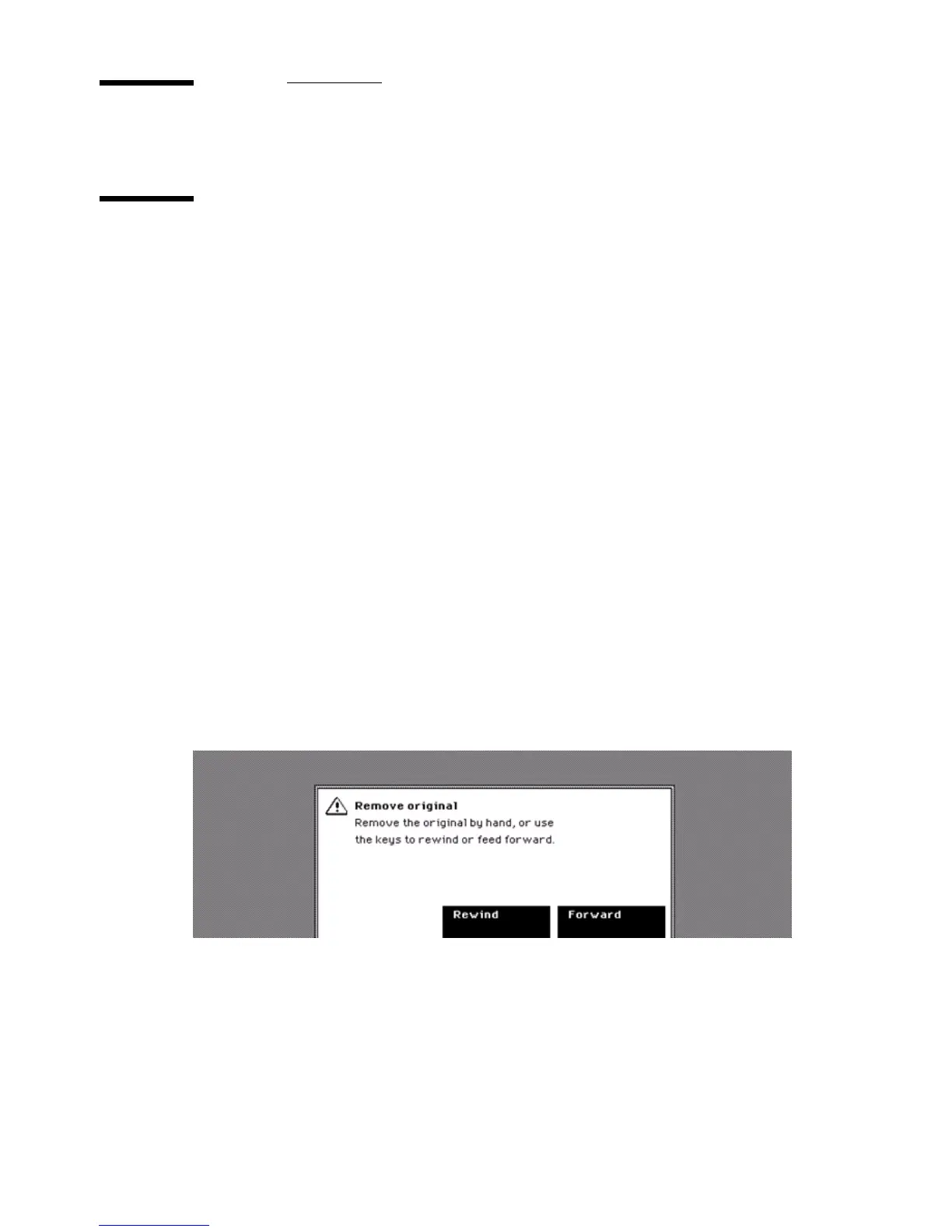
If an original jam occurs, the screen displays an error message. If such an
original jam occurs on the system, immediately remove the jammed original to
prevent damage to the original.
When to do
An original jam can occur while the original is fed into the scanner. (see ‘Feed
the original’ on page 156)
How to remove a jammed original
1
Use the softkeys for 'Forward' or 'Rewind' to remove the jammed original from
the scan area.
2 If the removing of the original with the softkeys can cause damage to the
original, lift the pressure platen and remove the original by hand.
The sections about how to adjust the pressure platen and about how to clean
the scan area describe how to lift the pressure platen.(see ‘Thick originals’ on
page 158). (see ‘Clean the scan area’ on page 197)
[64] How to remove a jammed original
[64] How to remove a jammed original



 To Next Page