Océ Power Logic® controller: Océ Settings Editor 221
Overview of the Océ Settings Editor
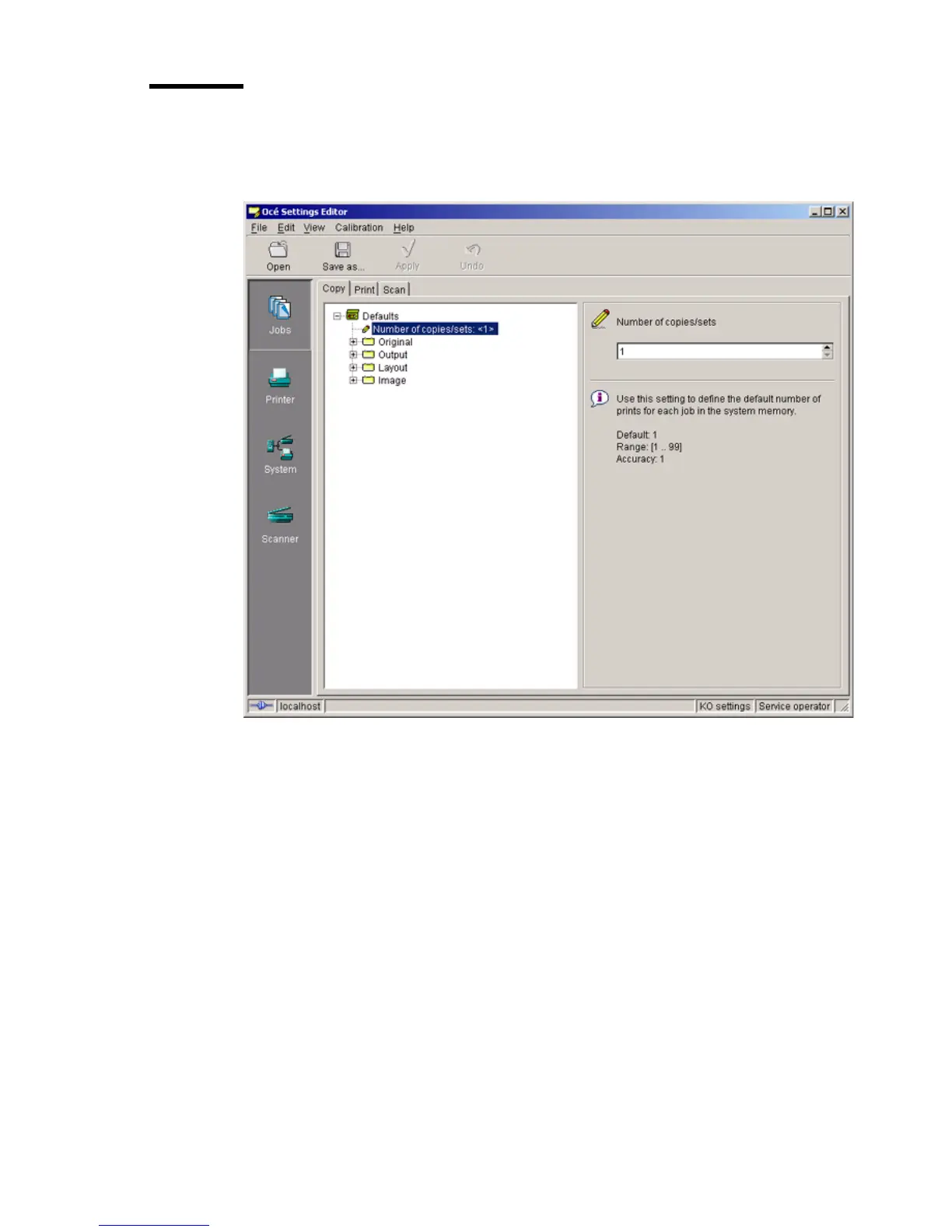
The structure of the Océ Settings Editor
[68] The structur e of the Océ Settings Edi tor
[68] The structure of the Océ Settings Editor
The Océ Settings Editor displays the following fields:
1 The menu bar
2 The top toolbar
3 The left toolbar
4 The settings area
5 The status bar.



 To Next Page