Ensure the best quality output 135
How to analyze the demo print
You can make a demo print to get an impression of the print capabilities of the
Océ TCS400. You can also use the 'Demo' print option to check the output
quality for the different content types.
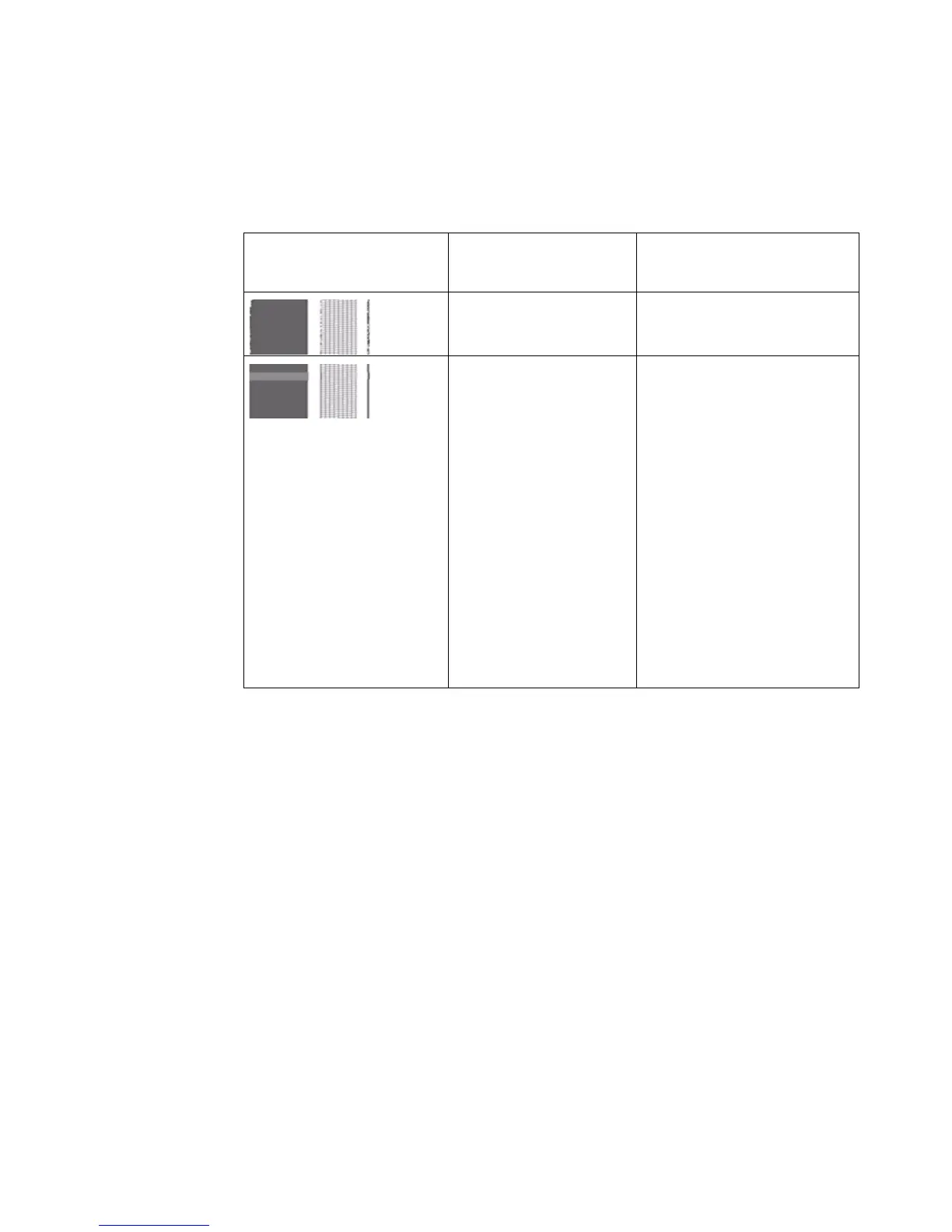
Use the demo print to trace the following problems:
[27] Descript ion of outpu t qual ity proble ms
Graphical representa-
tion of the problem
Problem Description
Drop-out Problems with the nozzles
can cause drop-out.
Banding Banding means that a
print contains regular hor-
izontal stripes. These
stripes can appear as light
or dark bands. Problems
with the nozzles can cause
banding. Banding can oc-
cur in the 'Check' and 'Re-
lease' modes if you print a
high density print. For the
best output quality always
use the 'Presentation'
mode.



 To Next Page