188 Océ TCS400 User manual
asks you to load the correct media. If calibration is possible with one of the
rolls, the system automatically uses the correct media roll. If calibration is
possible with both rolls, use the lower softkeys to select the roll to use.
5 Press the key for 'Next'.
The screen displays the message 'Carriage moving to center position...' while
the carriage moves to the center.
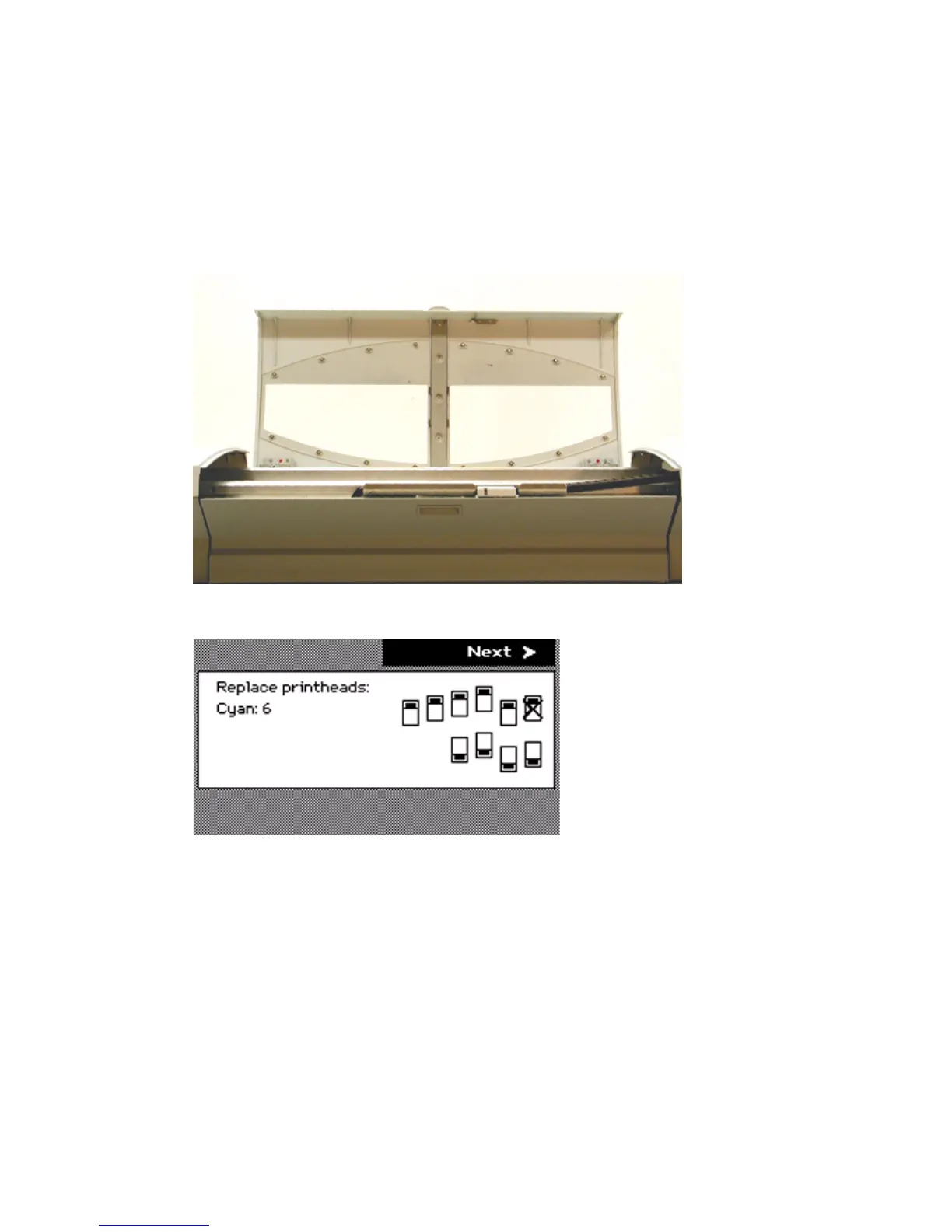
The screen displays 'Open top cover.'
6 Open the top cover.
The screen displays the message 'Replace printheads' and the printheads that
you must replace.



 To Next Page