190 Océ TCS400 User manual
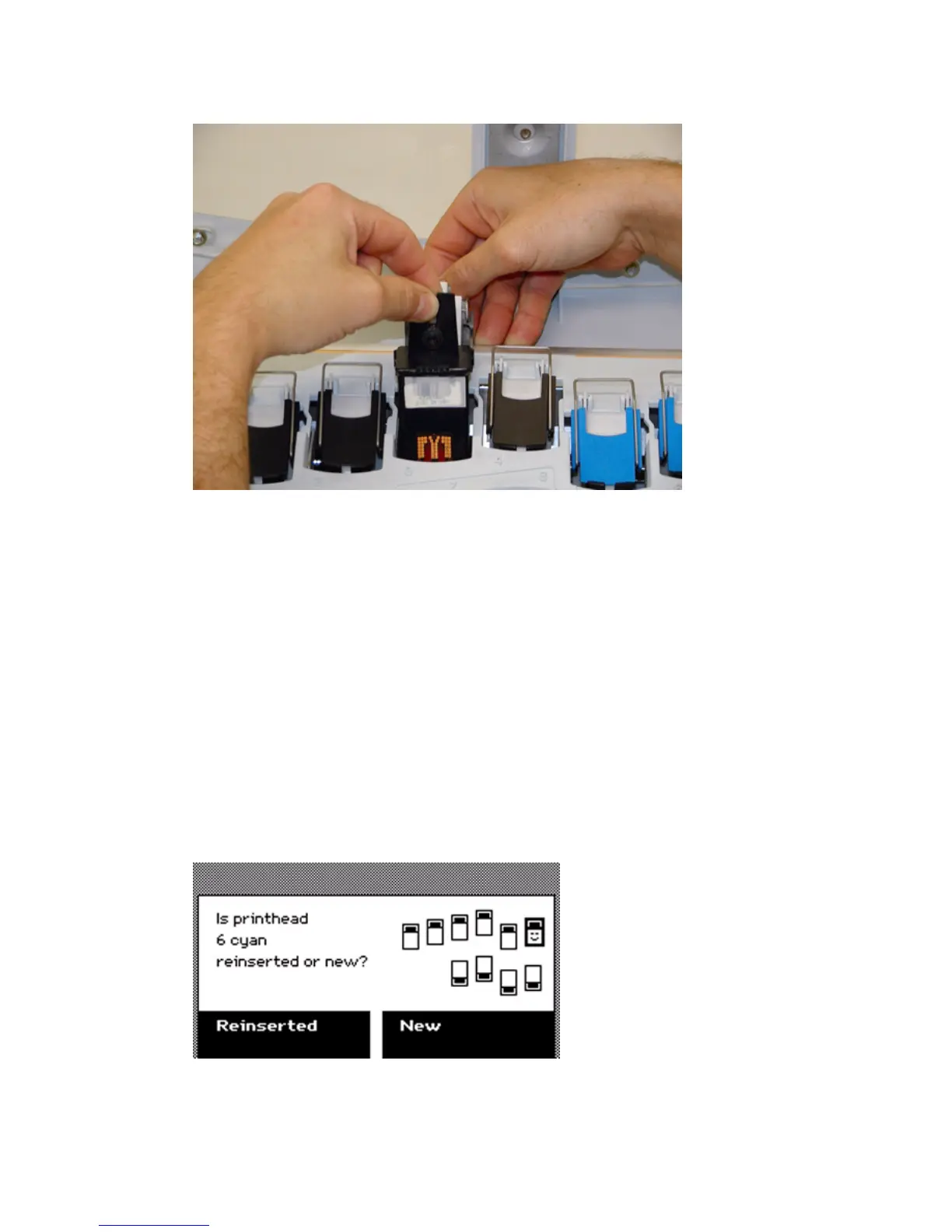
9 Use your other hand to remove the printhead. Move the printhead away from
the center of the carriage and remove the printhead.
How to place a printhead
1
Remove the protective tape from the new printhead.
Note: Do not touch the contact and nozzle areas of the printhead after you
remove the protective tape.
2 Hold the clamp with one hand and use your other hand to place the new
printhead in the printhead holder.
The printhead only fits in one way.
3 Move the printhead towards the center until the printhead clicks into the
connection slot.
4 Carefully release the clamp.
On the operator panel, press the softkey for 'Next'.
5 The screen displays the message 'Is printhead [number and color] reinserted or
new?'



 To Next Page