Error handling 209
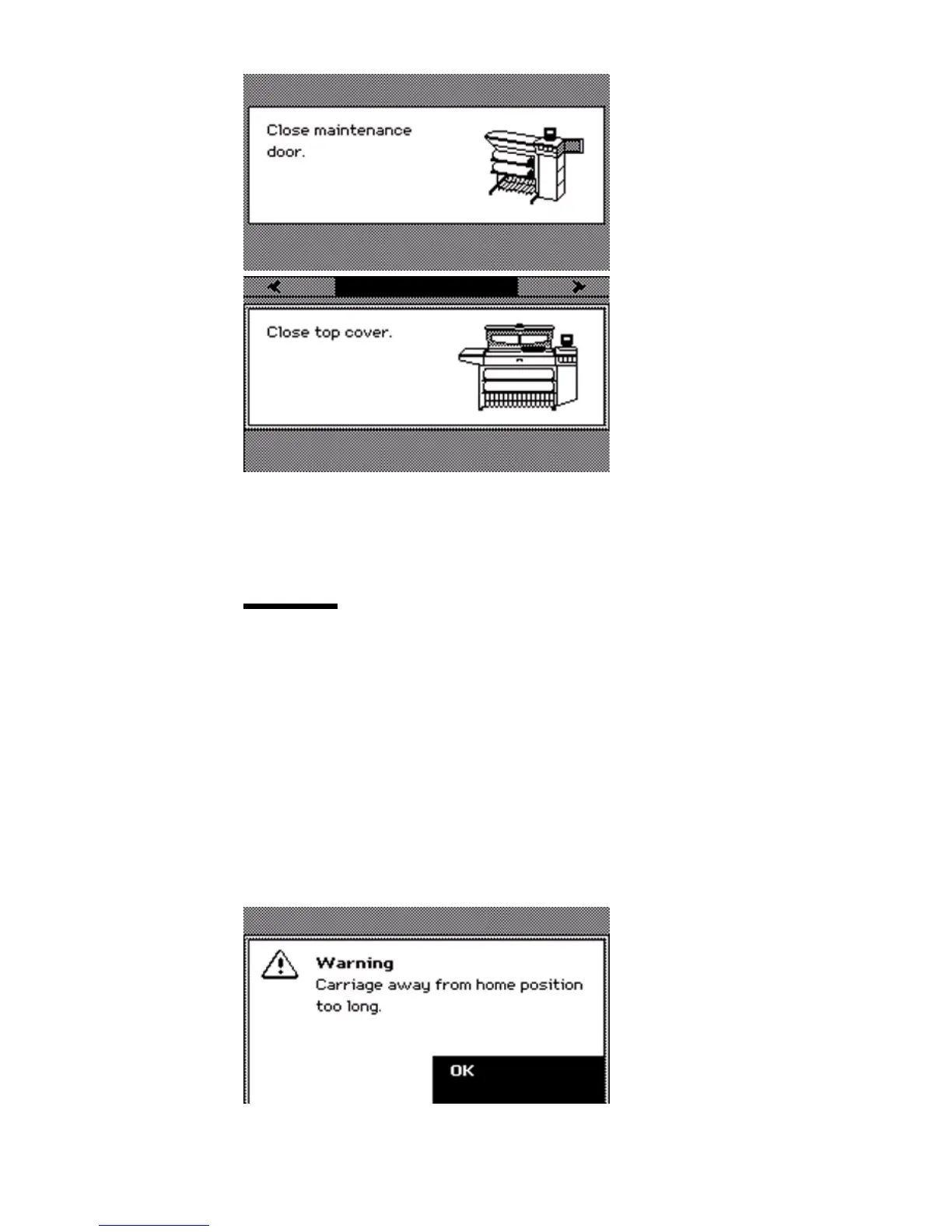
If the cover or door is opened while the printer prints a job, the print is cut after
you close the cover. Then the whole print job is restarted.
Carriage away from home position too long
Attention: If the carriage stays away from its home position too long, the
printheads become dry. When the printheads are dry, you must replace the
printheads.
Always replace the printheads or the maintenance cassette in one continuous
action to prevent the drying of the printhead nozzles.
When you replace a printhead or the maintenance cassette, the carriage moves
to the center. When the carriage is in the center too long, the system produces
an error signal The red LEDs on the printer operator panel remain illuminated.
The printer operator panel also displays a message. Press the key for 'OK' to
acknowledge the error message.



 To Next Page