Océ Power Logic® controller: Océ Settings Editor 223
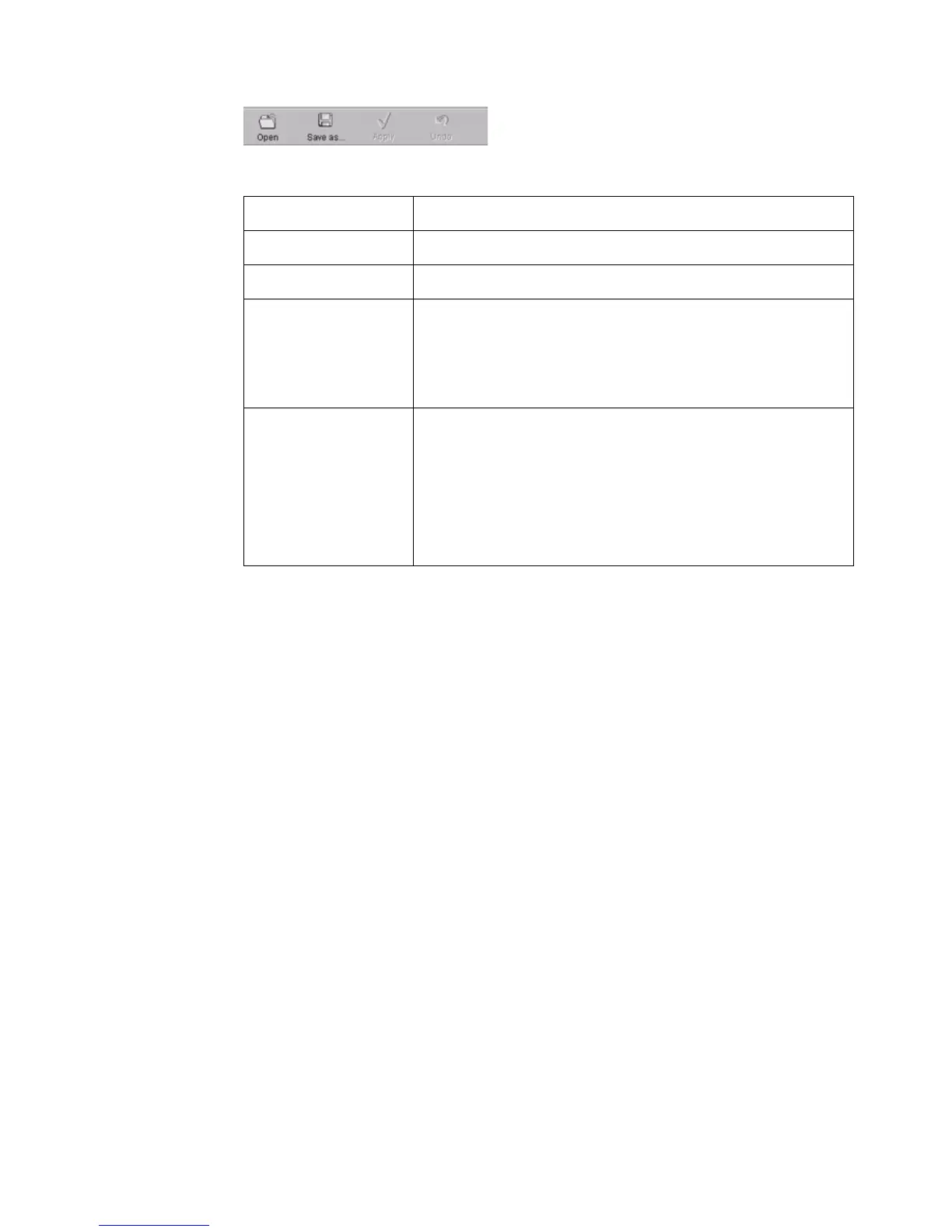
The top toolbar
[70] The top t oolbar
[70] The top toolbar
[33] The buttons of the top toolbar
[33] The buttons of the top toolbar
Button Function
'Open' Open a file that contains saved settings.
'Save as...' Save all the KO settings or the SA settings in a file.
'Apply' Apply the changes you made to the settings.
Note: The button is enabled after you change a setting.
The button is disabled after you apply the settings, or
after an undo action.
'Undo' Restore the settings to the state before the settings
were changed. The 'Undo' button does not restore the
factory default.
Note: The button is enabled after you change a setting.
The button is disabled after you apply a changed
setting.



 To Next Page