226 Océ TCS400 User manual
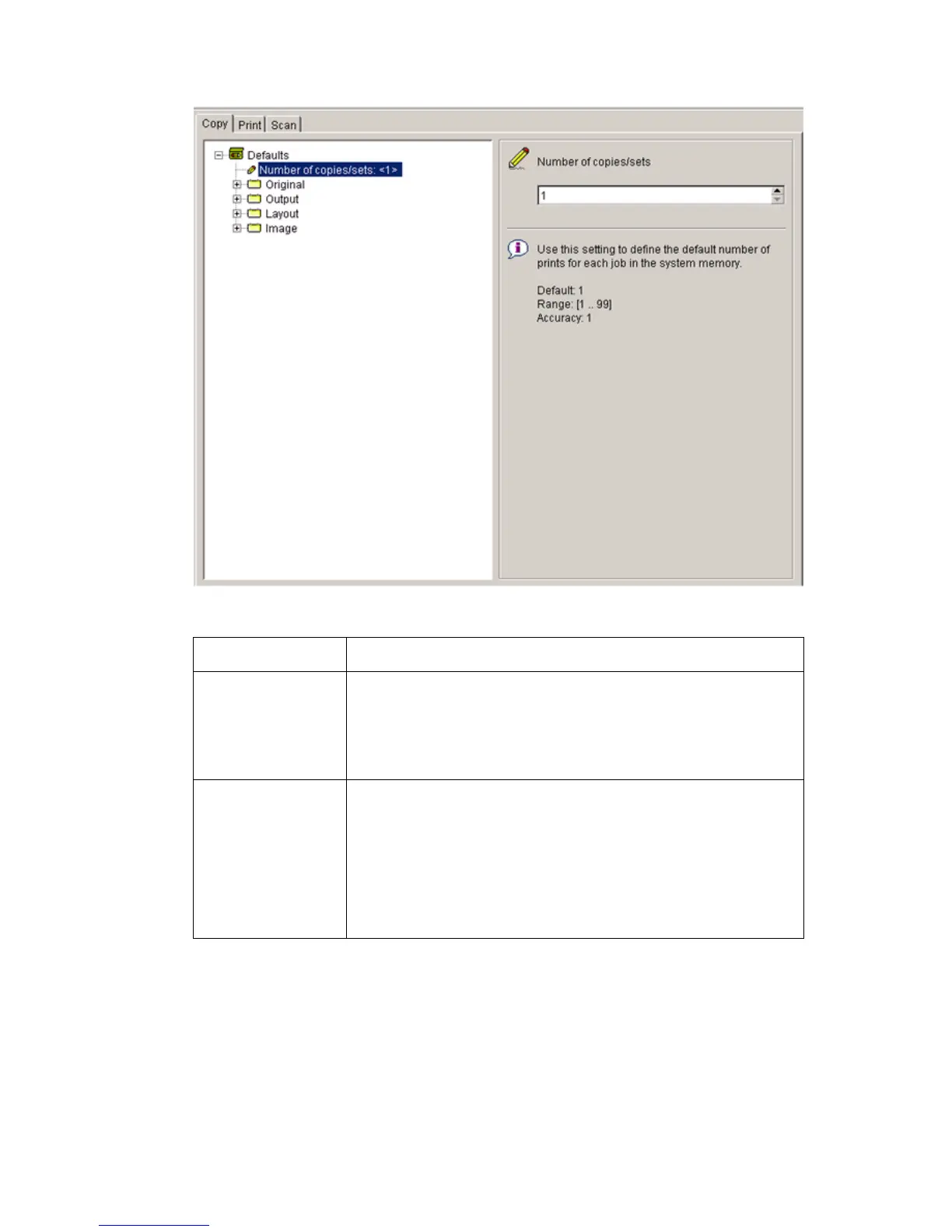
The settings area
[72] The settings area
[72] The settings area
[35] The parts of the settings area
[35] The parts of the settings area
Part Function
Tree structure Display the settings.
Open a folder to show all the settings in that folder.
The display does not include the unavailable settings for
the system components.
Update area Define the settings selected in the tree structure.
The update area can contain additional information (def-
inition and values) about the selected setting.
Only authorized users can change the settings. If the user
is not authorized to change a setting, the update area is
grayed out.



 To Next Page