236 Océ TCS400 User manual
The status bar
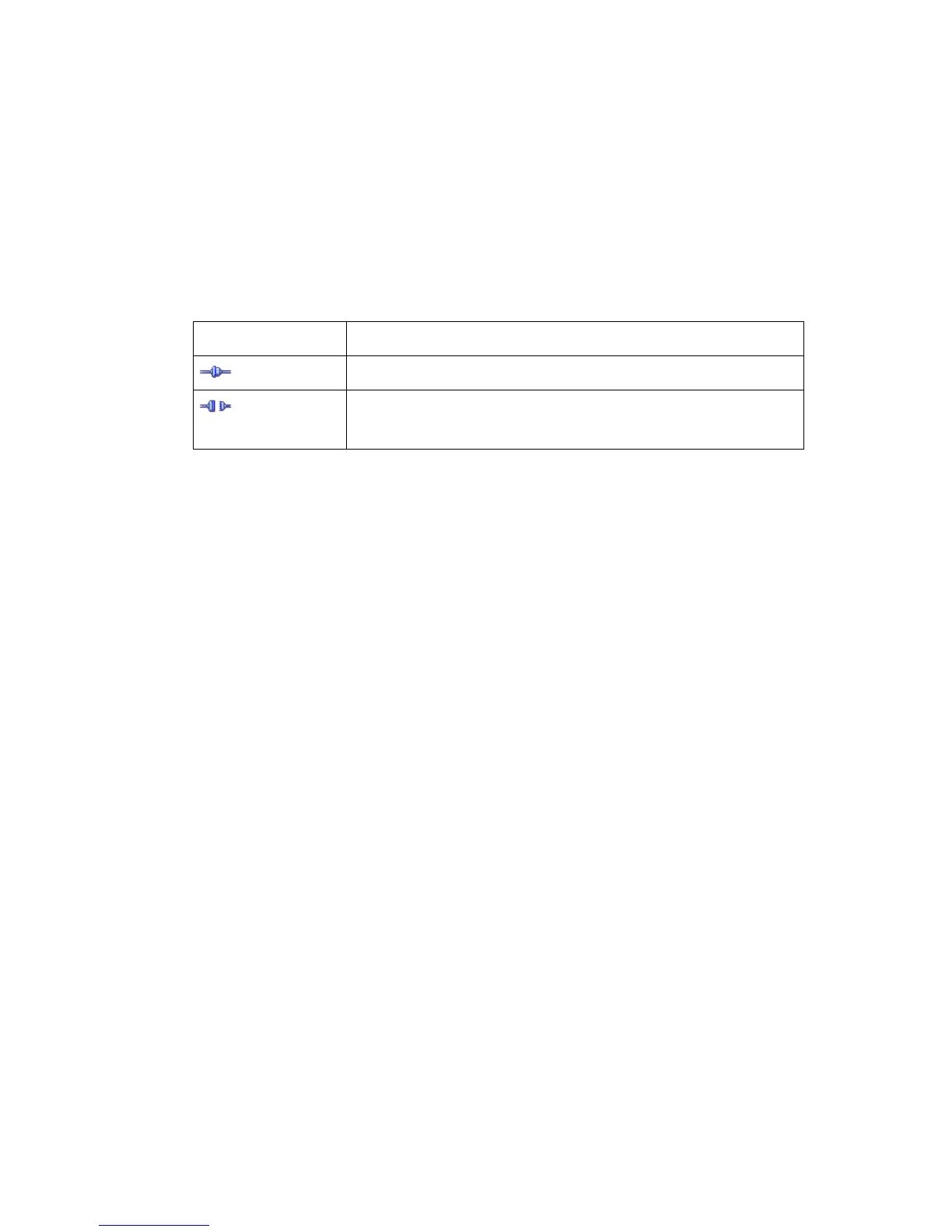
The status bar at the bottom of the Océ System Control Panel displays the
following:
■ The system status (connected or disconnected).
■ The system name ('localhost' if you work on the Océ Power Logic
®
controller).
■ The job status (for example 'Printing').
■ The user mode ('Key operator', 'Repro operator', 'System administrator',
'Service operator' or 'Anonymous').
[39] The icons of the st atus bar
[39] The icons of the status bar
Icon Function
The Océ System Control Panel is connected to a system.
The Océ System Control Panel is not connected to a sys-
tem.



 To Next Page