Océ Power Logic® controller: Océ Remote Logic® 265
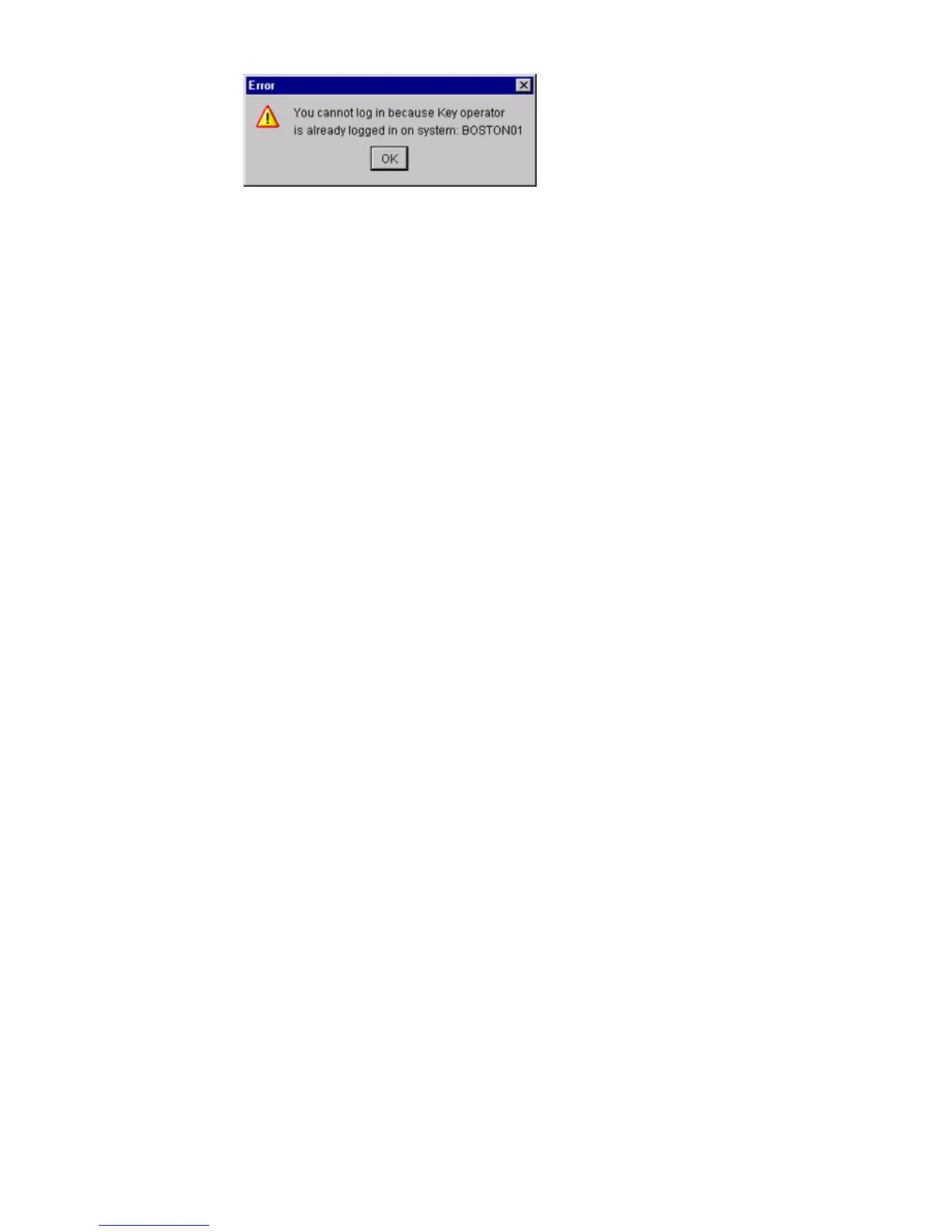
[75] Erro r message when a second u ser tries to log on
[75] Error message when a second user tries to log on
How to log on to the controller applications
1
From the 'File' menu, select 'Log on'.
2 Select the required user name.
3 Enter the password.
4 Click 'OK'.
You are now logged on as special user. If you are not logged on, you have
'Anonymous' user permissions. (see ‘The Océ TCS400 users’ on page 13).
The status bar at the bottom shows the user mode.
The logon is limited to one user only.
Note: You must separately log on to each application.
How to log off from the controller applications
From the 'File' menu, select 'Log off'.
You return to the anonymous user mode. Log off from the controller
applications to prevent unauthorized use.
Note: You must separately log off from each application.



 To Next Page